Why You Can't Start Your To-Do List — and How Energy-Based Task Management Fixes It
Published · Updated · Canvas Tasks
You sit down to work, open your to-do list, and nothing moves. Not because you're lazy — there are twenty things on it and not one of them feels like something you can actually do in the next hour. So you check email instead, and a thin layer of guilt settles over the whole list. Do that enough times and you stop opening the list at all.
This is one of the quietest, most common ways a task system fails. People churn through app after app hoping the tool is the problem (Zapier), and psychologists note that an overwhelming list makes us avoid it — which only lets it grow (Psychology Today). The usual prescription is "try harder" or "get organized."
But what's actually missing is smaller and more specific than discipline. A flat list records what's due and what matters. It never records the one thing that actually decides what you can start right now: how much energy you have. Fill that in, and the stall mostly disappears.
Energy-based task management is a way of deciding what to work on by matching tasks to the energy you actually have right now — instead of working through a flat list ordered by deadline or priority. Each task is labeled with the energy it needs (high, medium, or low) and its nature — creative, thinking, or work. When you sit down to work, you start from your current state and pick from the tasks that fit it. We call this pairing Energy × Nature.
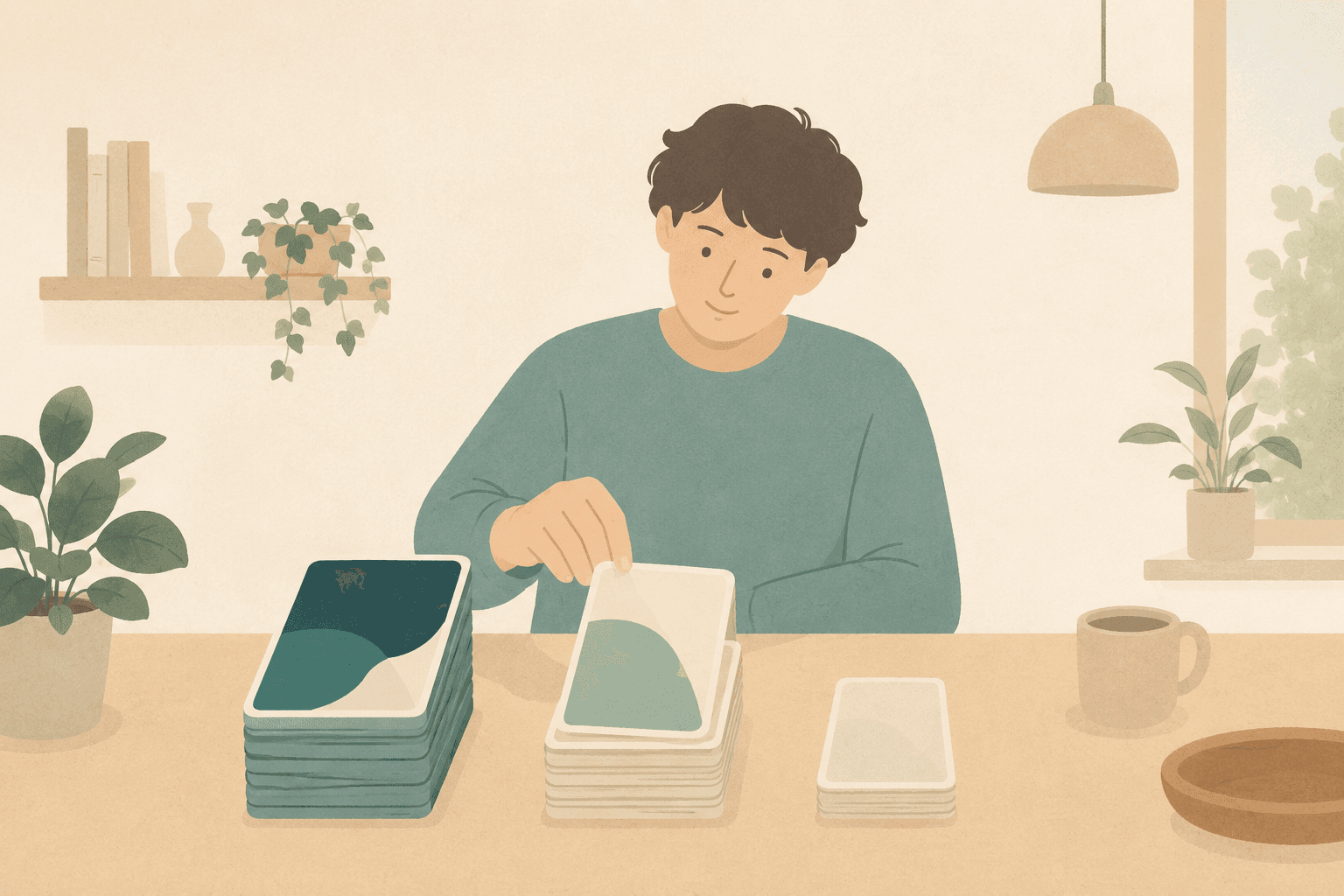
Match the task to the energy you have right now.
Energy scheduling is not energy matching
Most "work with your energy" advice is really scheduling advice: do your demanding work in the morning, because that's when your energy is supposed to peak. It's built on prediction — you decide in advance when you'll be sharp and slot the hard tasks there — and prediction is exactly where it breaks.
The problem is that energy doesn't keep appointments. A bad night's sleep, a draining meeting, a skipped lunch — any one of these is enough, and the morning you reserved for deep work is gone. When the forecast is wrong, the whole plan built on it collapses — the same reason rigid time blocking falls apart the moment one thing runs late.
Energy matching skips the forecast entirely. Chronotype advice — the morning-person-or-night-owl kind — tells you when your energy should be high. Energy matching starts from what it actually is. You read your state at the moment you sit down, and you choose from the tasks that fit it. There's nothing to predict and nothing to salvage when a prediction misses.
The two axes
Two labels are enough to turn "I can't start" into "here's what fits."
Energy is how much capacity you have right now: high, medium, or low. It's subjective on purpose: a measurement would be one more task, while naming takes a second — and picking work only needs a band, not a number. "I'm at low today" is a complete, useful answer.
Nature is the kind of attention a task wants:
- Creative — generating something new: ideas, design, writing.
- Thinking — working something out: analysis, research, judgment, review.
- Work — routine and administrative tasks: filing, data entry, cleanup.
Pair the two and almost every task finds a home. A rough map:
| Energy \ Nature | Creative | Thinking | Work |
|---|---|---|---|
| High | Design a new feature; write a first draft | Work through a hard decision; plan a project | Clear a big admin backlog in one focused push |
| Medium | Revise and edit an existing draft | Review a document; do focused research | Process invoices; sort and label files |
| Low | Jot loose ideas with no pressure to finish | Skim reading; collect references | Archive your inbox; file receipts; rename files |
Here's the reframe that matters most: a low-energy day is not a wasted day. It's a Low × Work day — a good time to archive your inbox or file receipts, the small, scattered chores a high-energy day is too valuable to spend on. Low energy doesn't mean no progress. It means a different kind of progress.
How to run it — on paper or in any app
Energy-based task management comes down to four habits, none of which need software.
- Capture everything in one line. Don't force yourself to choose an energy level, a nature, or a due date before you can save a thought. If capture has friction, you lose the task before you finish typing it. Write the one line; classify it later.
- Label energy and nature later, in batches. Once a day — the end of the day works well — go down the list and tag each item. It takes a few seconds each, and doing it in a batch keeps it from becoming a chore of its own.
- Start each work session by naming your state. Before you look at the list, say where you are: "I'm at medium." Then look only at the tasks in that band, and within it, pick whichever nature you can face — the band has already done the hard filtering. You're choosing from a short, honest set instead of staring at everything at once.
- Let the rest wait — without guilt. A task that doesn't fit today isn't behind. It's waiting for a state that suits it. Choose a setup where one off day doesn't wipe out the record of everything you've done.
Consider someone who comes out of a day of back-to-back meetings with one hour left and twenty things on the list. On a flat list, that hour usually dies in scrolling — nothing on it fits a drained brain. Sorted by state, it becomes a Low × Work hour: inbox archived, receipts filed, real progress made — and the hard tasks still waiting, undamaged, for a better morning.
How Canvas Tasks puts this into practice
This is where Canvas Tasks comes in — it's built around exactly this loop. Capture is a single line; energy and nature are optional, defaulting to "medium" and "unclassified" until you label them, so nothing blocks you from saving a thought.
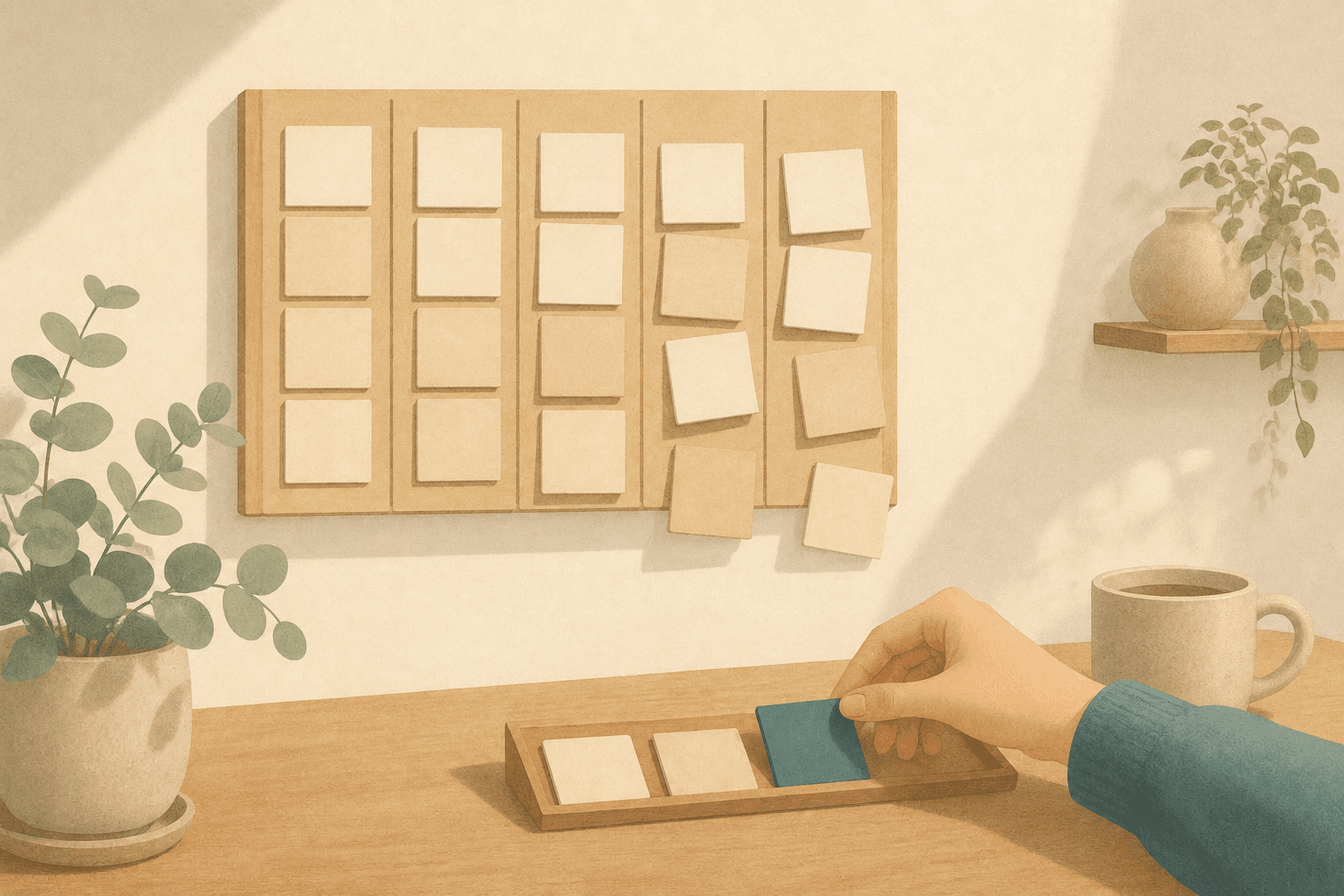
When you want to choose your next task, you can switch to the Energy × Nature matrix, a built-in view that lays your tasks out as a grid of energy against nature so the right band is easy to find. Tasks you're not ready for can be moved to an incubating state: parked on a shelf with one gesture, picked back up when you choose to browse them. Nothing puts an incubating task on a day's plan on its own — coming back is always your decision.
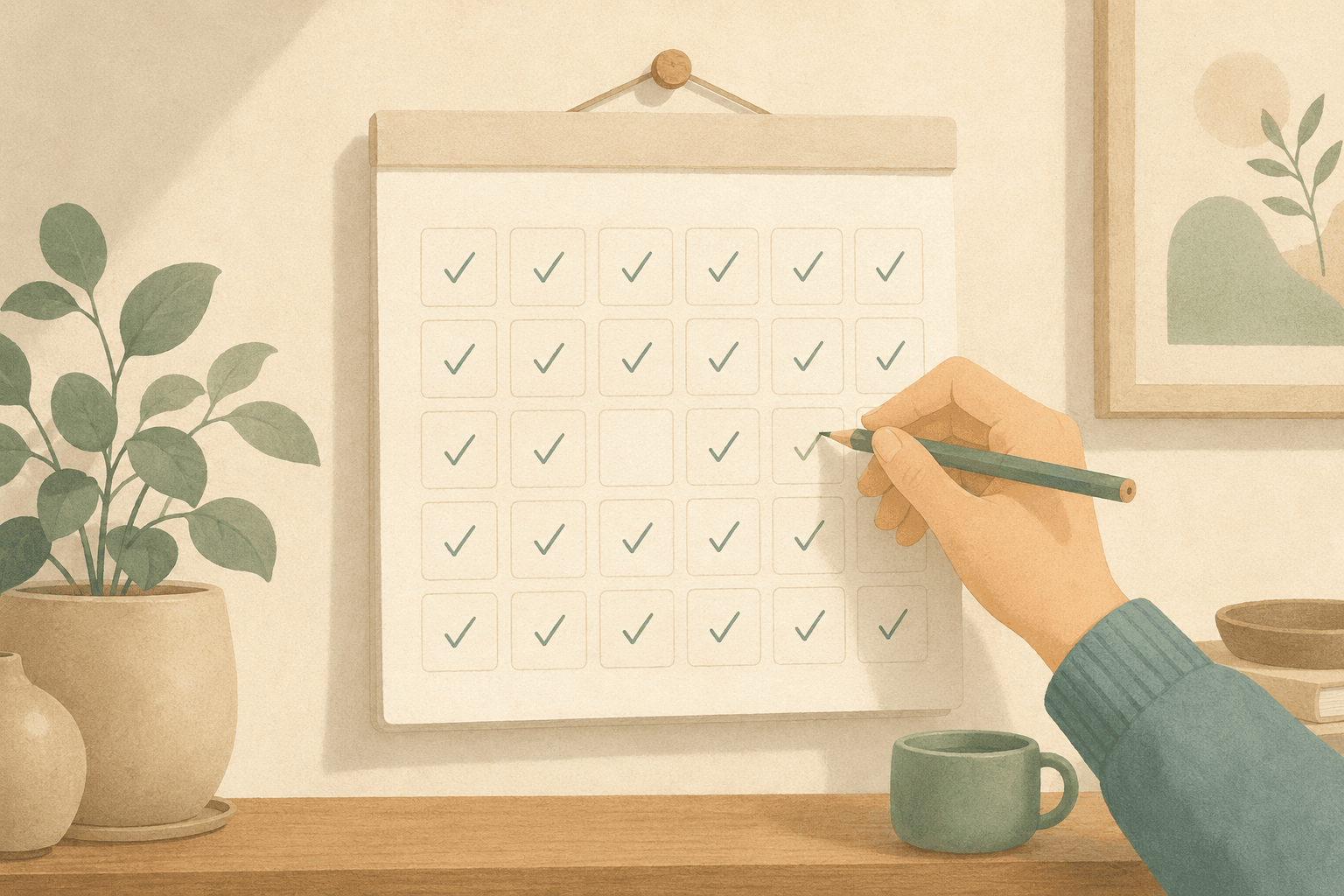
And the daily home is built so a missed day doesn't reset you: unfinished tasks stay on their own day instead of piling up as overdue, finished ones become history that never expires, and there's no streak counter waiting to shame you back to zero.

The Energy × Nature matrix: rows are your current energy, columns are the nature of the task. Name your band (the row), then pick a task that fits.
Canvas Tasks is single-user and web-based today (native apps are in development), with a free plan and a Pro plan at ¥980/month (tax included). If you're outside Japan, you're charged the equivalent amount in your local currency, shown at checkout.
Frequently asked questions
Isn't picking tasks by energy just an excuse to avoid hard work?
No — it's the opposite. The goal is to keep moving on the days a flat list would stall you completely. Because every task still carries its nature and nothing gets deleted, the important work doesn't vanish; it waits for a high-energy window instead of being skipped. Low energy earns you low-energy work, not a day off.
Does a task's nature change as it moves along?
Often, and it's worth relabelling when it does. A draft starts as making something and turns into judging it; a decision becomes routine work once it has been made. In Energy × Nature the label describes what the next session will ask of you, not what the task was on the day you wrote it down.
How is this different from the Eisenhower matrix?
Importance-and-urgency tells you what matters, which helps with ranking. But it never answers what you're able to do in your current state — an "important, not urgent" task is useless advice at 4 p.m. when you're running on empty. Energy matching fills exactly that gap.
What if I label a task wrong?
Relabel it and move on. The labels are a filter, not a record — their only job is to shorten the list you look at when you sit down, so a wrong one costs you a single bad suggestion. The failure worth avoiding is refusing to save a thought until you're sure of its label, which loses the task entirely.
What if I have the time but no energy, most days?
Then most of your picking happens among the tasks labeled as needing little concentration, and the useful move is to keep that group stocked with work worth doing rather than to plan around a version of you who is not showing up. What matching work to your energy cannot do is tell you why. A long stretch that never lifts is worth raising with someone qualified, not re-planned.