When You Can't Start, Shrink the List to One
Published · Updated · Canvas Tasks
You open the list meaning to start something. Everything arrives at once: the thing due Friday, the thing you've moved four times, two items whose titles stopped meaning anything in March, and somewhere in there the one you should be doing now. You read down it. You read down it again. Then you close it and answer an email instead — the email at least arrived pre-selected.
Nothing on that list was too hard. The hard part happened before any of it.
This is why lists get abandoned rather than finished. They accumulate until opening one takes a small act of courage: one developer describes opening his task manager to sixty-two overdue items and deleting them all rather than triaging (Medium). Being overwhelmed doesn't produce careful prioritizing — it produces avoidance, and avoidance makes the pile worse (Psychology Today). The usual diagnosis is that people add things and never review them (Zapier) — true, and one step short. Reviewing is also choosing. Of course it doesn't happen: it's the expensive part.
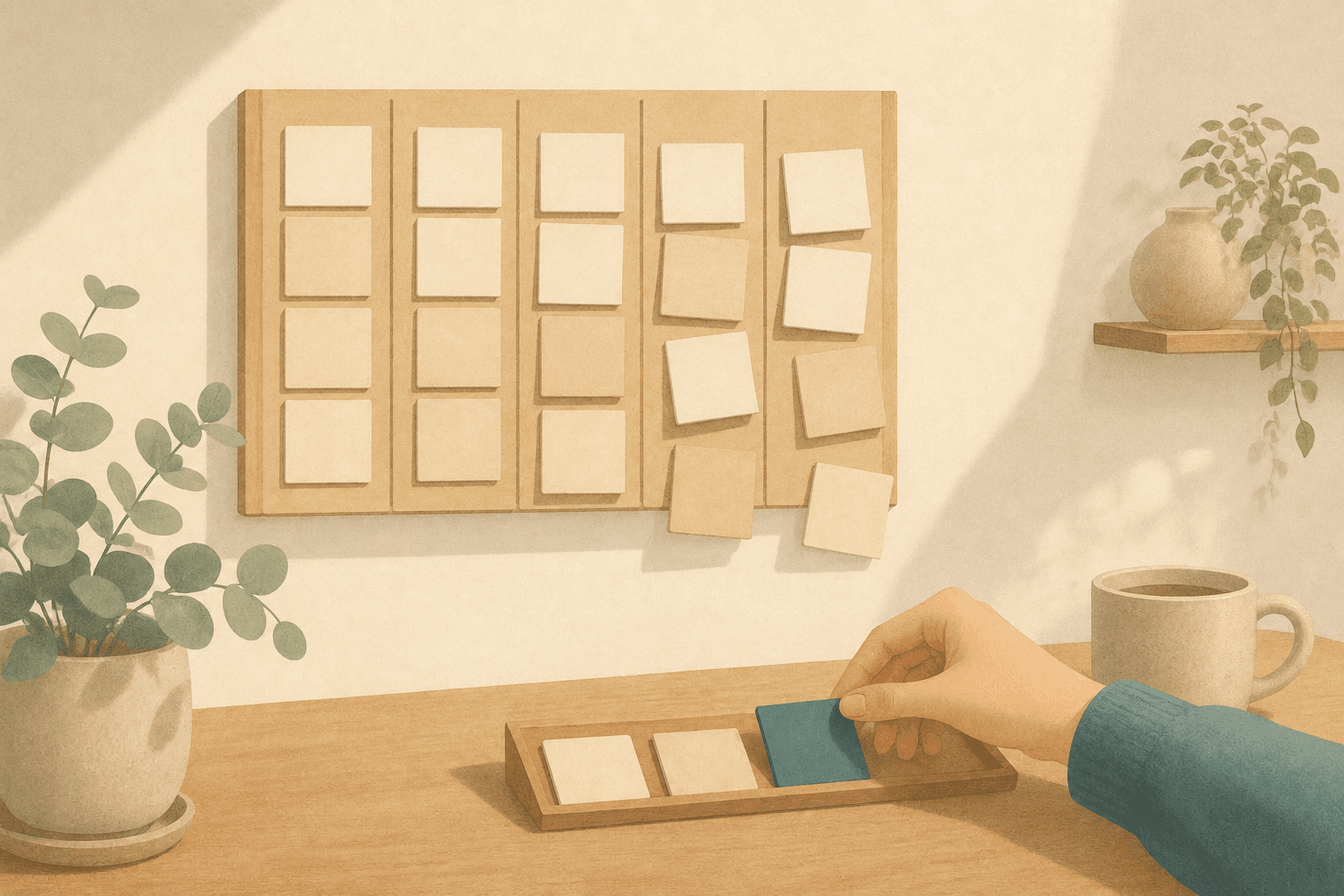
Having too many tasks is not what stops you. Being asked to choose one — every single time you open the list — is what stops you. A to-do list is an inventory, and inventories are good at holding things. The trouble starts when you also work from it, because then every attempt to begin has to pass through a decision first: which of these forty is the one? Ranking them harder doesn't remove that toll. Separating the two jobs does. Choose a few once, keep one in front of you, and let the rest be out of sight until it's time to choose again.
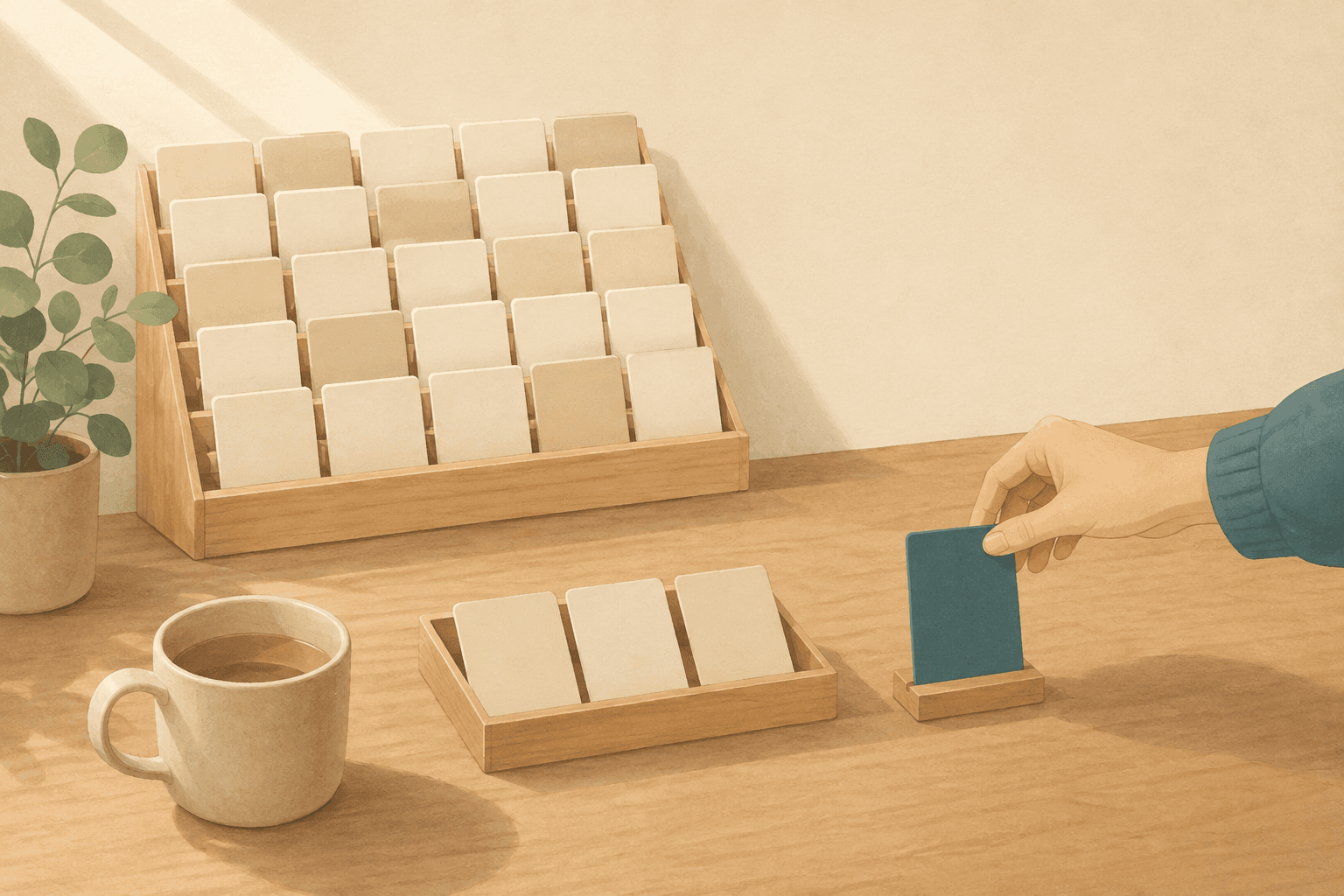
The inventory can stay as large as it likes. What gets narrowed is the choosing.
One surface, two jobs
A to-do list does two jobs at once: it stores everything you owe, and it's also the surface you work from. Those two jobs want opposite designs — a warehouse is supposed to show you everything in it, while a workbench holds one thing, at a height where you can put both hands on it. Run the two jobs from one surface and the moment you try to begin, the entire inventory is in view, every item quietly making a case.
Two things go wrong at that surface, and the first is well documented. Past a certain number of options, people don't choose better — they choose less, deferring, defaulting to whatever's easiest, or walking away with nothing. Psychologists call it choice overload (The Decision Lab).
The other half is specific to to-do lists, and it's the half that matters here: the choice recurs. Someone frozen in front of a wall of options in a shop makes one hard decision and goes home. You make yours, work for forty minutes, and land back in front of the same wall minus one item. The toll isn't charged once per list — it's charged once per attempt to work, so it lands hardest on the days you're trying hardest. This is part of what people call task paralysis: not an inability to do the work, but an inability to get through the doorway into it.
The standard remedy is to rank, and it helps less than it should. Anyone who has run a priority scheme — P1 down to P4 — knows how it ends: the tiers collapse upward until everything is critical, and a list where everything is critical carries the same information as one with no priorities. And notice what ranking does even when it works. It orders the many; it doesn't reduce them. You're still standing in front of all forty, now with numbers on them.
Some items make it worse by not being tasks. "Launch the new site" can't be picked up in the next ninety minutes — it's a project wearing a task's clothing, and the decision it demands is too big to be picked up at all. That's why a list of ten can feel unliftable while another of fifty is fine.
A list that shows you everything is asking a question, not offering an answer. And you pay for that question again on every attempt to start.
Separate the choosing from the doing
Separating the choosing from the doing doesn't mean a shorter list. Your inventory is the right size — it's your work. What changes is that you stop working directly from it.
- Choose once a day, not once per attempt. Pick a time — morning, or the evening before — decide what today contains, then close the list. Every later attempt to start reads from what you already chose. The cost doesn't disappear; it stops repeating.
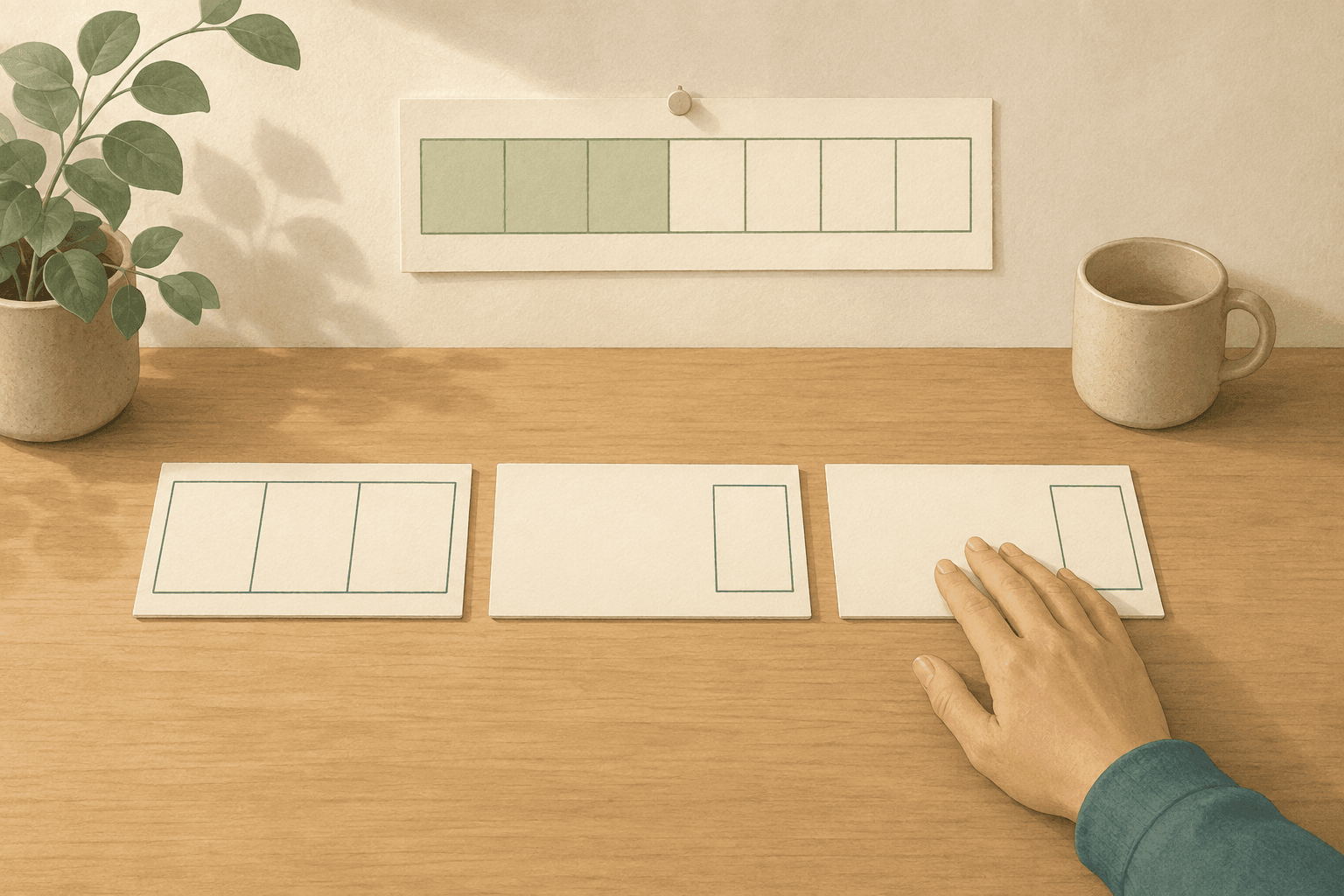
- Pull a few; don't rank the many. Lift out a small number and leave the rest untouched. Three to five is where this usually settles: few enough that finishing them all wouldn't be surprising — and a day you can actually complete is what makes you open the list again tomorrow.
- Keep exactly one in front of you. Of the few you pulled, one is current. The others sit behind it as next, not as options. Fold them down; don't delete them. Deleting doesn't make a commitment disappear — it just moves it into your head, as a background worry that you're forgetting something. Folded, it still exists somewhere you trust.
- Choose by the state you're in, not by the rank you assigned. When you have room to think, take the work that needs it — call it Creative work, or the kind of Thinking that wants your whole attention. When you're running low, that's not a broken day — it's the moment for plain Work, the kind of task that needs hands more than judgment. Choosing by the energy you actually have is the one criterion you can only apply on the day.
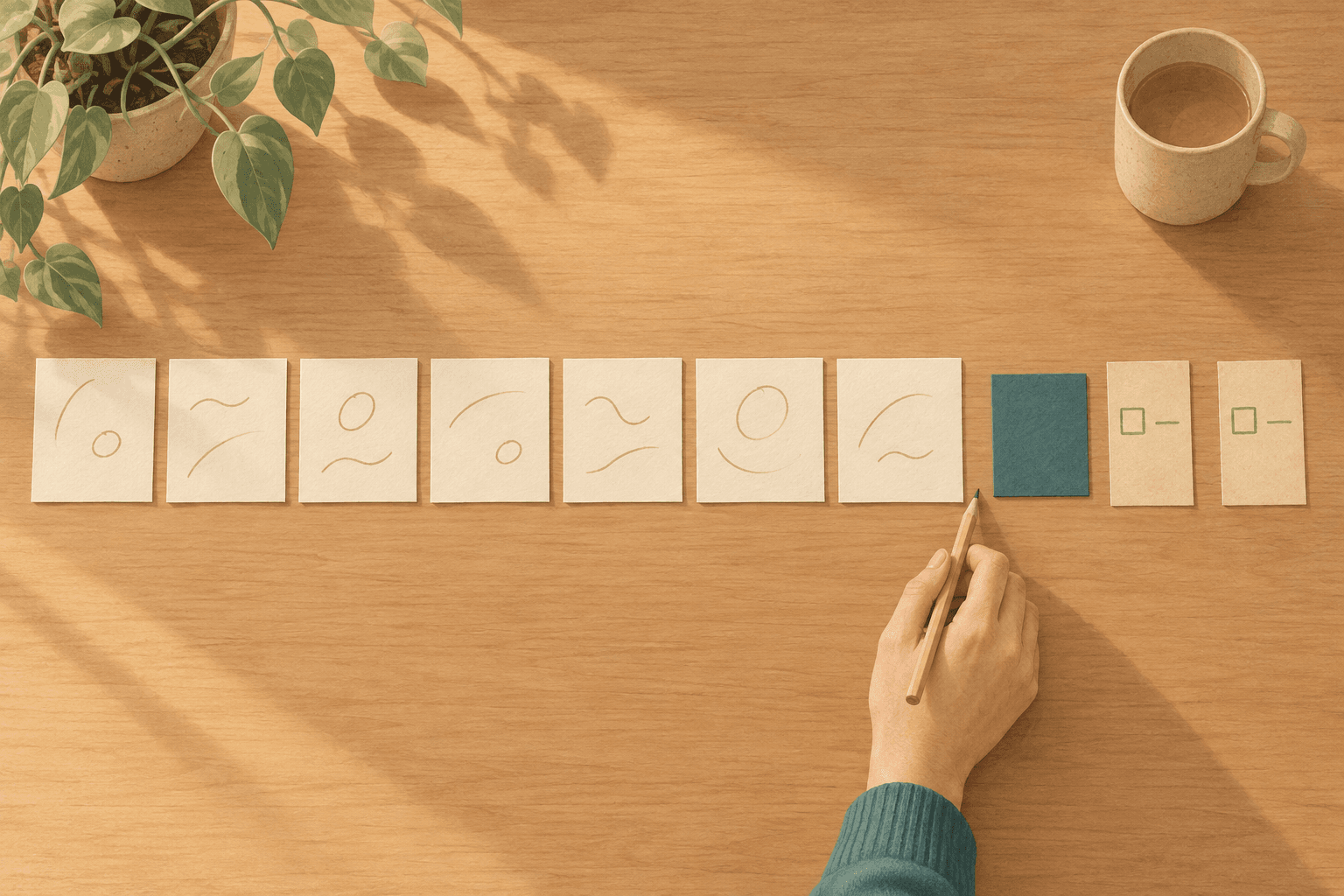
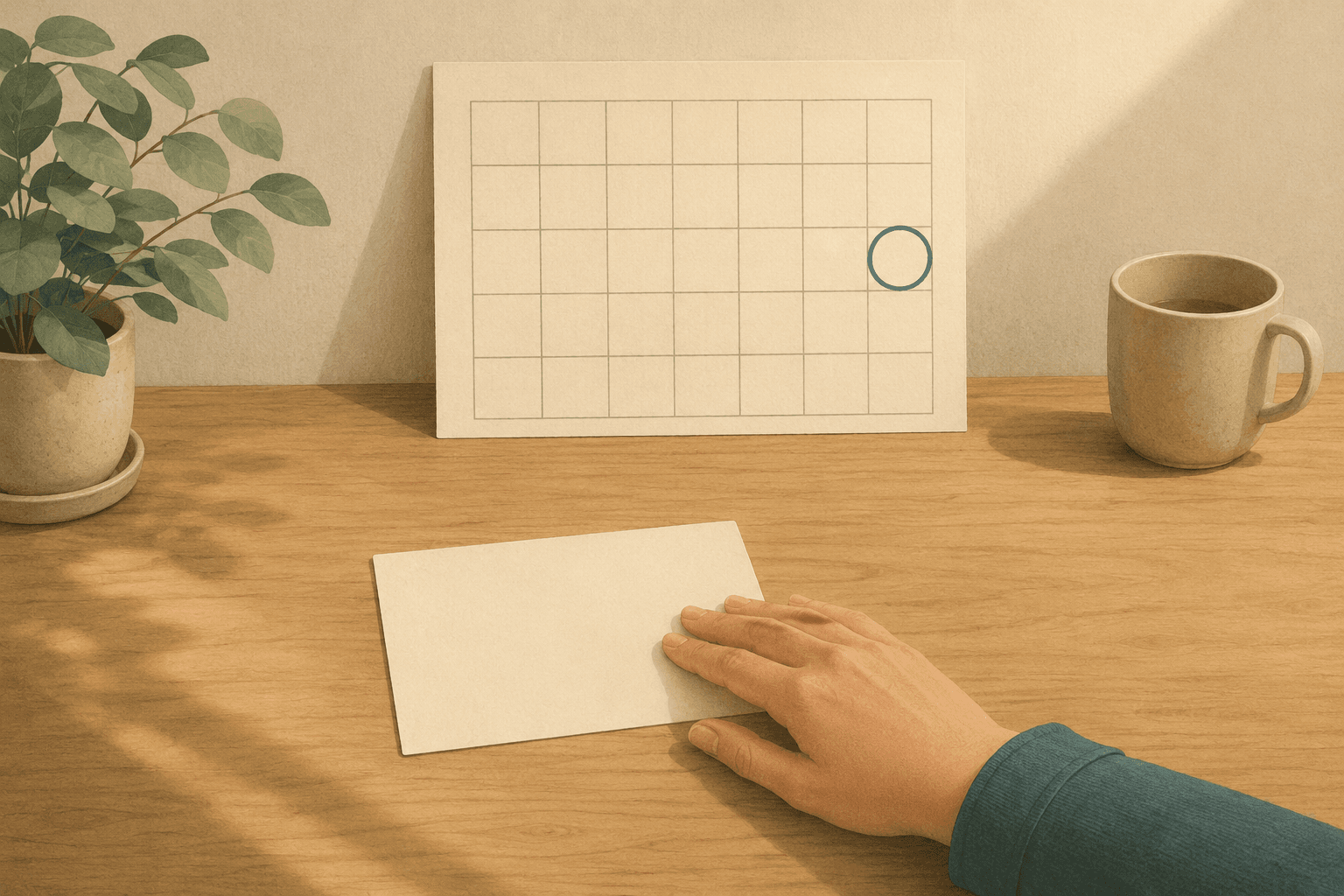
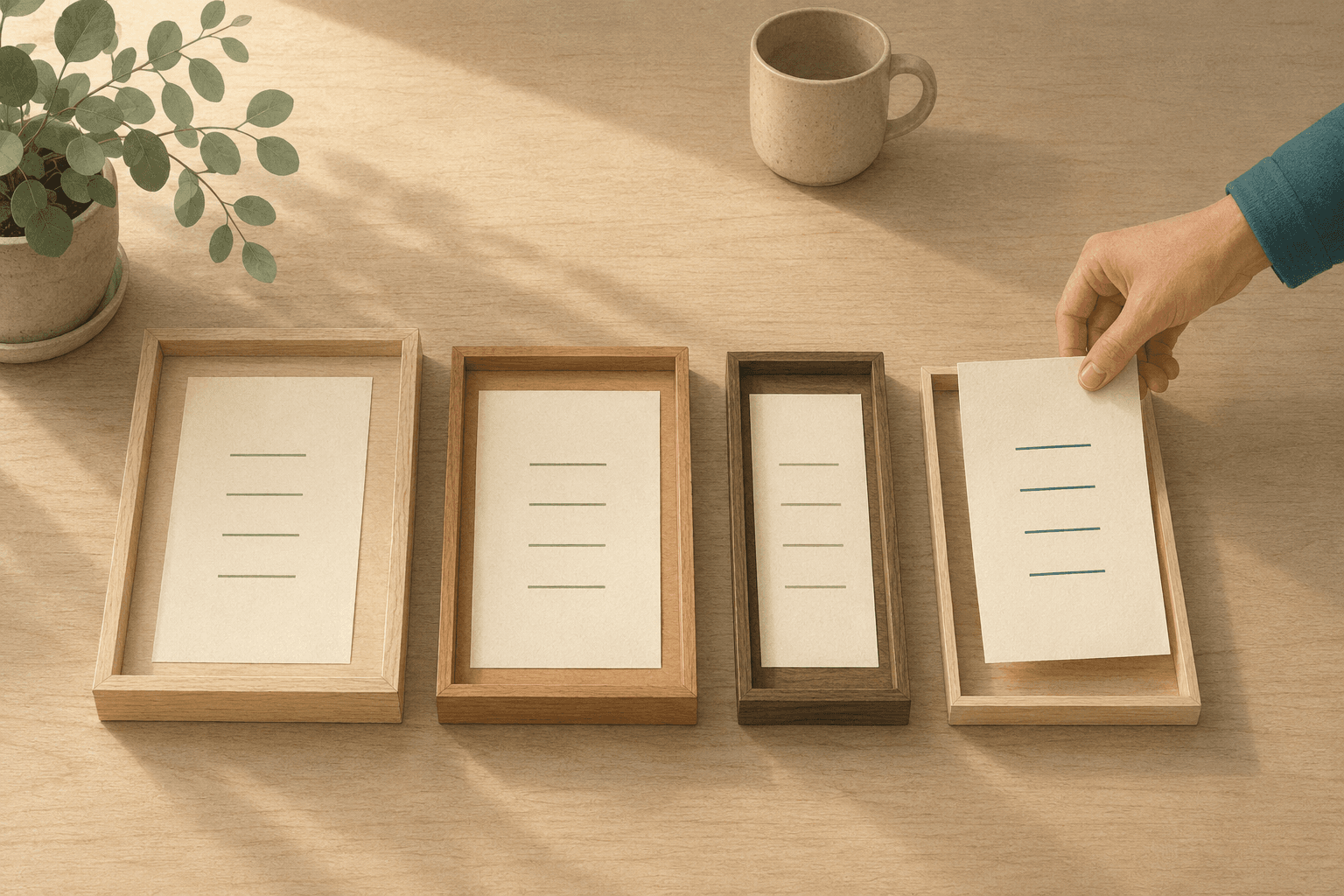
With a notebook, this is a few index cards — say three. In the morning, copy three things onto cards, put them on the desk, and close the notebook. The list still exists and still holds everything — it's just no longer in the room while you work. Some of those cards will need a time before they get done, a decision that also belongs to the day you're standing in rather than the week before.
"But what if I pick the wrong one?"
Narrowing to three looks like a bet: choose wrong and you've spent the day on the wrong thing.
But look at where the cost sits. Swapping tasks takes seconds. What's expensive is what your system does with it — an overdue flag on the thing you set down, the day logged as incomplete, a streak broken, a badge turned red. It isn't the choosing that's risky; it's that changing your mind gets recorded as a failure. Once every correction leaves a mark, not correcting becomes the cheaper move — and a system priced that way produces people who freeze instead of correcting.
So make swapping ordinary. Put the current task down and pick up another; send one to the end of the queue; take something off today entirely. None of those are deletions — the work goes back to being inventory, where it lives. And if you pulled three things and one got done, that was a day with one thing done in it, not a day that scored 33%. Whole systems get abandoned over that arithmetic, and it was optional the entire time.
Interruptions are the other way a chosen day gets second-guessed. Same treatment, three rules:
- Write the thought down the moment it arrives — holding it is what breaks concentration.
- Write it into the inventory, not into today. Today was decided this morning, by someone with a wider view of the day than you have mid-task.
- Let it wait until you next choose. Genuine emergencies overrule any system; this rule is for what merely feels urgent. Nothing that arrives at 2pm has earned the right to reorganize the afternoon by being recent.
How Canvas Tasks puts this into practice
This is where Canvas Tasks comes in. The method above has three layers — everything, today, and the one — and the app keeps them as three separate places. Nothing lands anywhere you didn't put it.
Choosing has its own screen. Check Tasks opens Available Tasks ("Select tasks to add to the list"): the inventory, presented as something to pull from. Sort it by the energy a task needs, narrow it to what fits the energy you have right now, and see each option grouped by the kind of work it is. What you take goes to today with Add to Today. Giving that decision its own screen is what stops it leaking into the rest of the day.
Doing happens somewhere else. The focus screen builds its queue from today's list; it doesn't pour your whole task list into it. You can reach into the full list and add to the queue directly, but that's another deliberate act — nothing arrives on its own. One task sits in the center at full size; the rest fold into Up next and Later, visible enough that nothing feels lost, quiet enough not to be asking anything.
Changing your mind costs one tap and leaves no mark. The Later action sets the current task aside to bring back when you want, Skip sends it to the end of the queue, and removing a task from the focus list drops it from the queue without touching the task or today's list. Nothing here deletes anything, and nothing is recorded as a miss.
While you work, the rest of the app gets out of the way: Focus mode hides the sidebar, side rail, the free plan's ads and reminders, and asks before you leave with the timer running. When something occurs to you mid-task, the capture bar takes it to your inbox — "Capture a thought and press Enter (focus task unchanged)." The thought is safe, the queue untouched. Anything you're not ready to decide about can go further out of the way as an incubating task, which drops it from the choosing pool until you want it back.
A few honest caveats. The free plan holds fifteen active tasks (completed ones stop counting), so the forty-item inventory this article describes is Pro territory — Pro removes the cap. The free plan also holds today's list to five items; the five are the day's plan, not a quota, which is why finishing one doesn't open a new slot the same day. And while the focus timer and Focus mode are free, logging your work time and the full Pomodoro with automatic breaks are Pro.
None of this makes the list shorter. That was never the problem. It means that by the time you sit down, the choosing is done — and the only question left is one you can answer with your hands.
Frequently asked questions
What if I finish today's short list before the day is over?
Go back to the full list of everything you owe and choose again, deliberately, the way you did in the morning. What to avoid is leaving the list open beside you for the rest of the day. That puts the wall of options back on the workbench, and the afternoon starts paying the toll the morning was designed to remove.
What if none of today's few appeal to me?
Aversion is usually information about the item rather than about you. One of them is often vague enough that starting means deciding something first, so the resistance is to the deciding. Naming the first concrete move tends to make it ordinary again. If all of them resist, you probably chose for a day that didn't arrive.
Does the inventory have to be one list?
No, and several is often more honest — work and home rarely want the same shelf. What matters is that choosing happens once across all of them rather than once per list. Two inventories with two separate choosing moments is the original problem with an extra step, because every attempt to start still surveys both.
What do I do when everything really is urgent?
Choose fewer, not faster. Real deadlines don't make a day hold more, so the decision is which ones the day can't hold — and that is better made once, in the morning, than repeatedly under pressure. Saying early that something will be late costs much less than the same news on the day itself.