Missing One Day Shouldn't Reset You to Zero
Published · Updated · Canvas Tasks
Tuesday itself is survivable. A meeting runs long, the afternoon collapses behind it, and the work you'd planned simply doesn't happen — so you close the laptop already composing tomorrow, which will be the day it gets fixed.
Then tomorrow arrives and you open the app. Yesterday's unfinished items are sitting in today's list. Two of them have turned red. The counter that said thirty-one — thirty-one days of showing up — says zero. Before you have decided anything at all, the system has told you where you stand, and where you stand is behind. Being overwhelmed doesn't produce careful triage — it produces avoidance, and avoidance makes the pile worse (Psychology Today).
So you don't open it that evening. By Thursday it's an unpleasant object. A plan that goes slightly off tips people into all-or-nothing thinking, where the whole thing is either intact or worthless (idea Lane) — and a few weeks later there's a new app, installed with a fresh burst of hope that is mostly relief at having no history.
Look closely at that cycle and you can see where it actually breaks. It isn't the day you miss.
Almost nobody quits on the day they miss. They quit the next morning, when they open the system and it hands them a bill: a backlog, a counter reset to zero, a row of red. The missed day was one day. What ends the streak of using the system at all is the accounting that happens after it. Relapse researchers have a name for this gap — the abstinence violation effect: a single slip does small damage, and the meaning attached to the slip does the rest. A system you can come back to is one where yesterday costs exactly yesterday, and this morning starts empty.

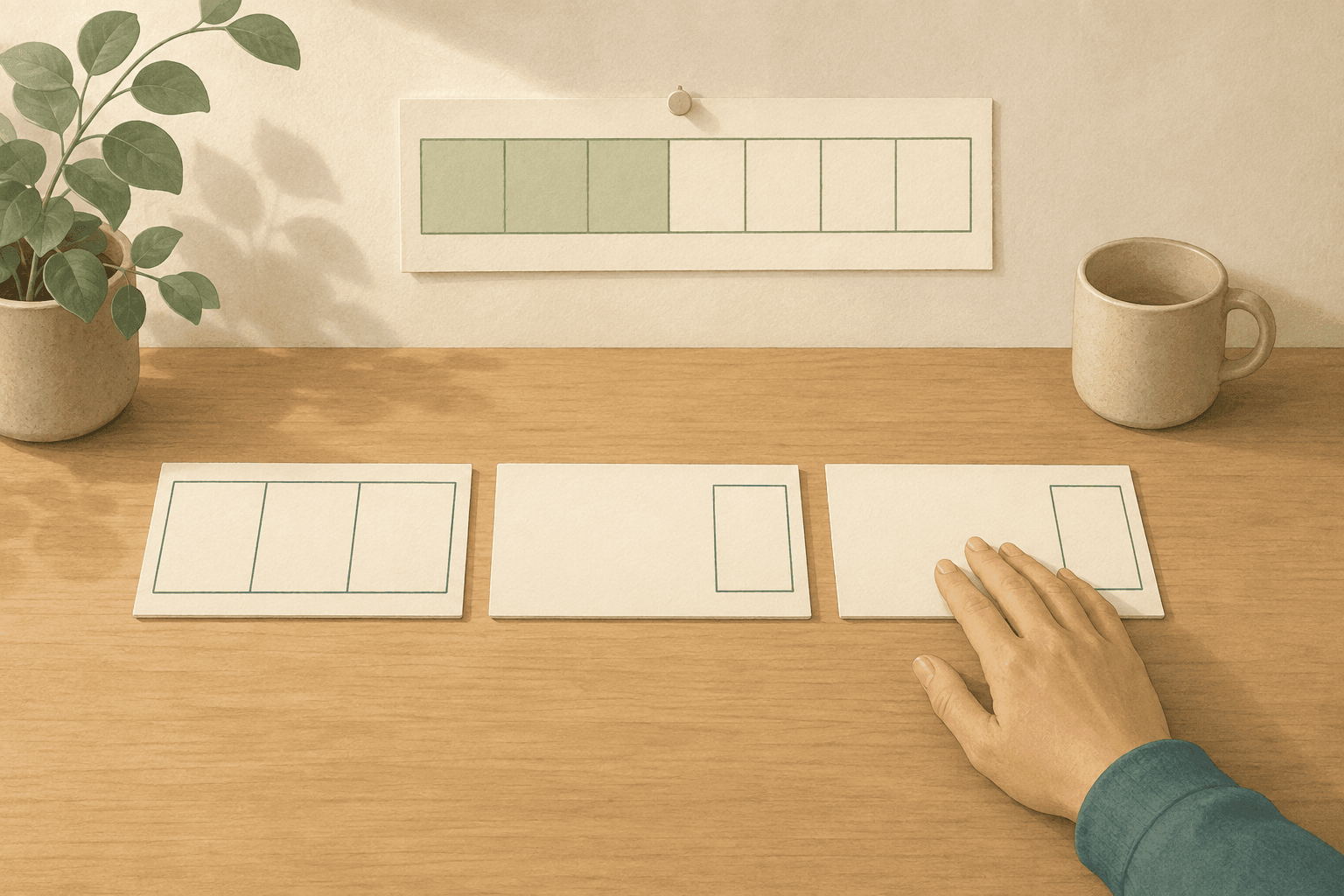
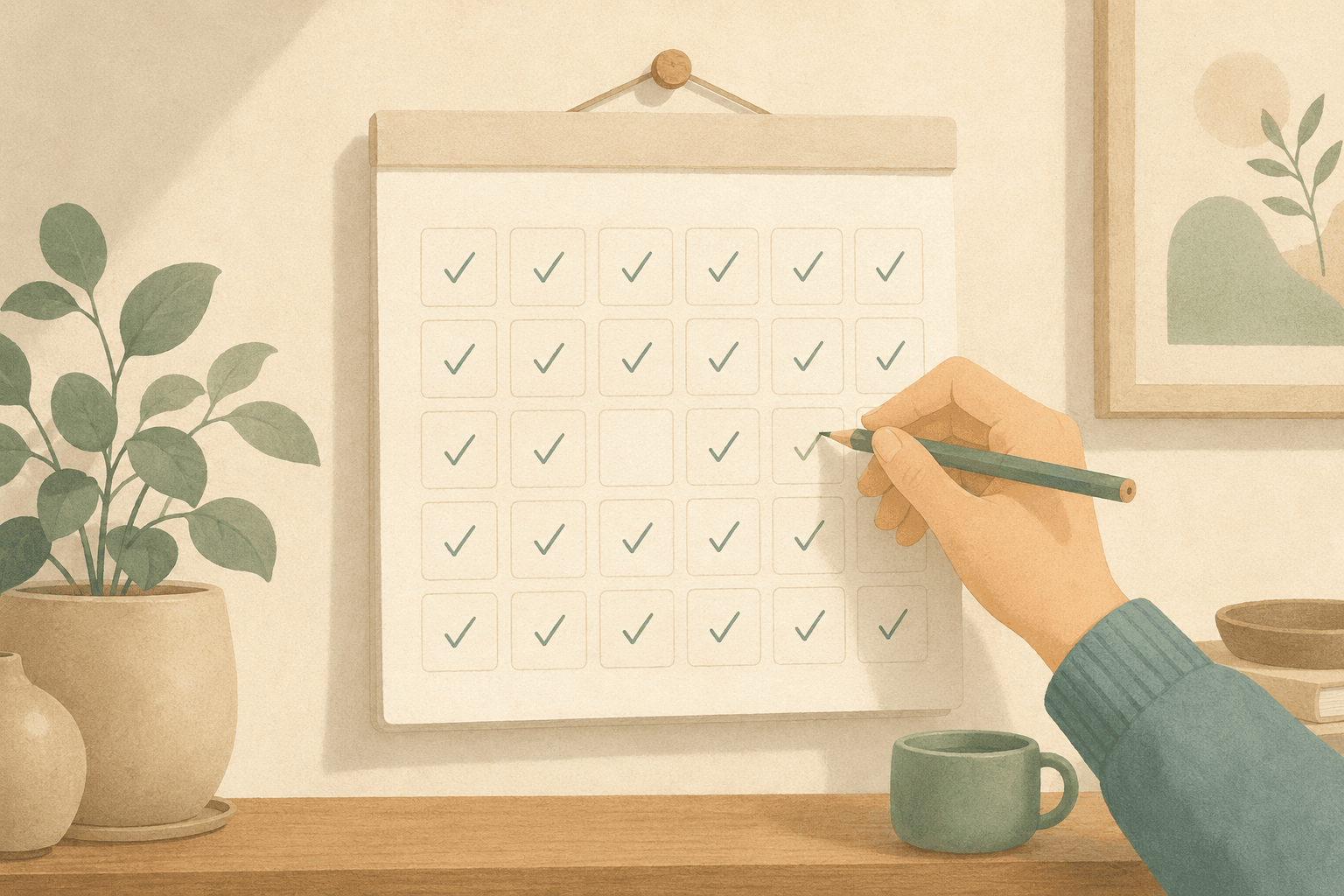
Two mornings after a missed day: one opens with the bill, one starts empty.
The lapse and the relapse
A lapse and a relapse look identical from the outside, and addiction researchers had to learn to tell them apart. A lapse is one instance — a single day the abstinence didn't hold. A relapse is the collapse of the project itself. The two get used interchangeably in ordinary speech, but the distinction is the useful part: the road from one to the other is not automatic (Larimer, Palmer & Marlatt).
What decides it, in their model, is how the person reads the slip. Attribute it to something stable about yourself — I have no willpower — and abandoning the whole effort follows naturally, because if the problem is who you are, tomorrow holds nothing different. Read the same slip as circumstantial, a thing that happened once under specific conditions, and returning is unremarkable. That first pattern is what the abstinence violation effect actually describes: not the slip, but the meaning that gets attached to it.
Your task manager makes that attribution for you, every morning, before you're awake enough to argue.
It does it in the interface. Unfinished work slides forward into today, so a day you didn't work becomes a day you failed to clear, and the evidence is stacked on top of what you actually planned. Due dates go red — a colour reserved elsewhere for errors. Counters go to zero. A dashboard reports that you completed 32% of your week. None of these are neutral records of what happened. Each one is a verdict, rendered in the one place you have to look before you can start.
And the standard advice for this morning makes it worse. The usual prescription for falling behind: write everything down, triage it, re-prioritise, rebuild the plan, restart clean. Read that list as instructions for the person actually receiving it: someone who is tired, already behind by their own accounting, and reluctant to open the app at all. The remedy asks for a project. The morning after a collapse is the morning you have the least capacity to take one on. A system that charges an entry fee at exactly the moment you're most depleted has locked the door it most needs open.
Missing a day is a lapse. Quitting is a decision you make the next morning, in front of whatever your system decided to show you.
Design a morning you can come back to
A morning you can come back to comes down to four principles. None of them need an app, and none of them ask you to miss fewer days.
- Let the day close. Yesterday ends when it ends. Don't roll unfinished items forward automatically — a day you didn't do isn't a debt that accrues to the next one. Tomorrow's page starts blank, and blank is a starting line, not an accusation.
- Don't pay interest. Where the first principle stops the system from carrying yesterday forward, this one stops you. Charge yourself exactly what you missed: one day. No backfilling, no doubling up to compensate, no calculating how far behind the week now is. Compensation is how one missed day becomes two — you make tomorrow heavier precisely when your capacity is lowest, and the second failure is bigger than the first.
- Re-enter at the smallest size. The way back in is not the full version of your routine. It's one thing, today, chosen by what actually fits the state you're in rather than by what the plan says you owe. A low day is not a reason to skip the day; it's a reason to pick the kind of work a low day can hold.
- Never make returning an admin task. If coming back requires an inventory, a re-plan, or a fresh setup, you have built a system with an entry fee. Returning should cost one action: write today's one thing. Anything longer tends to get deferred, and deferral is how the gap becomes permanent.
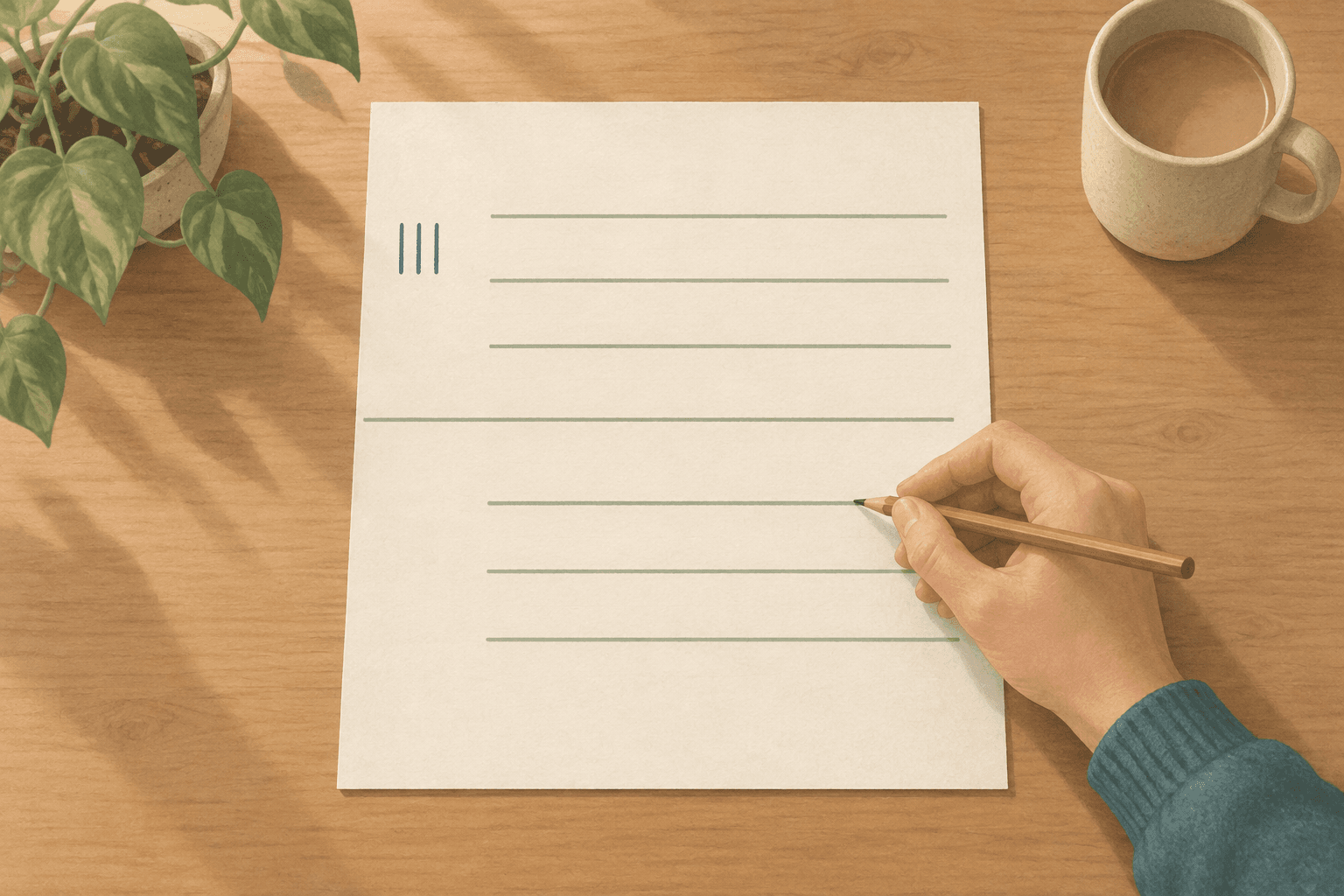
With a notebook, this is almost too simple to describe. After a bad stretch, don't turn back through its pages. Open a clean page, write today's date, write one thing. The pages behind you are a record of what happened, not a list of what you owe.
"But I really am behind"
Sometimes you really are behind, and pretending otherwise would be its own kind of trap. So separate the two things the morning is blurring together.
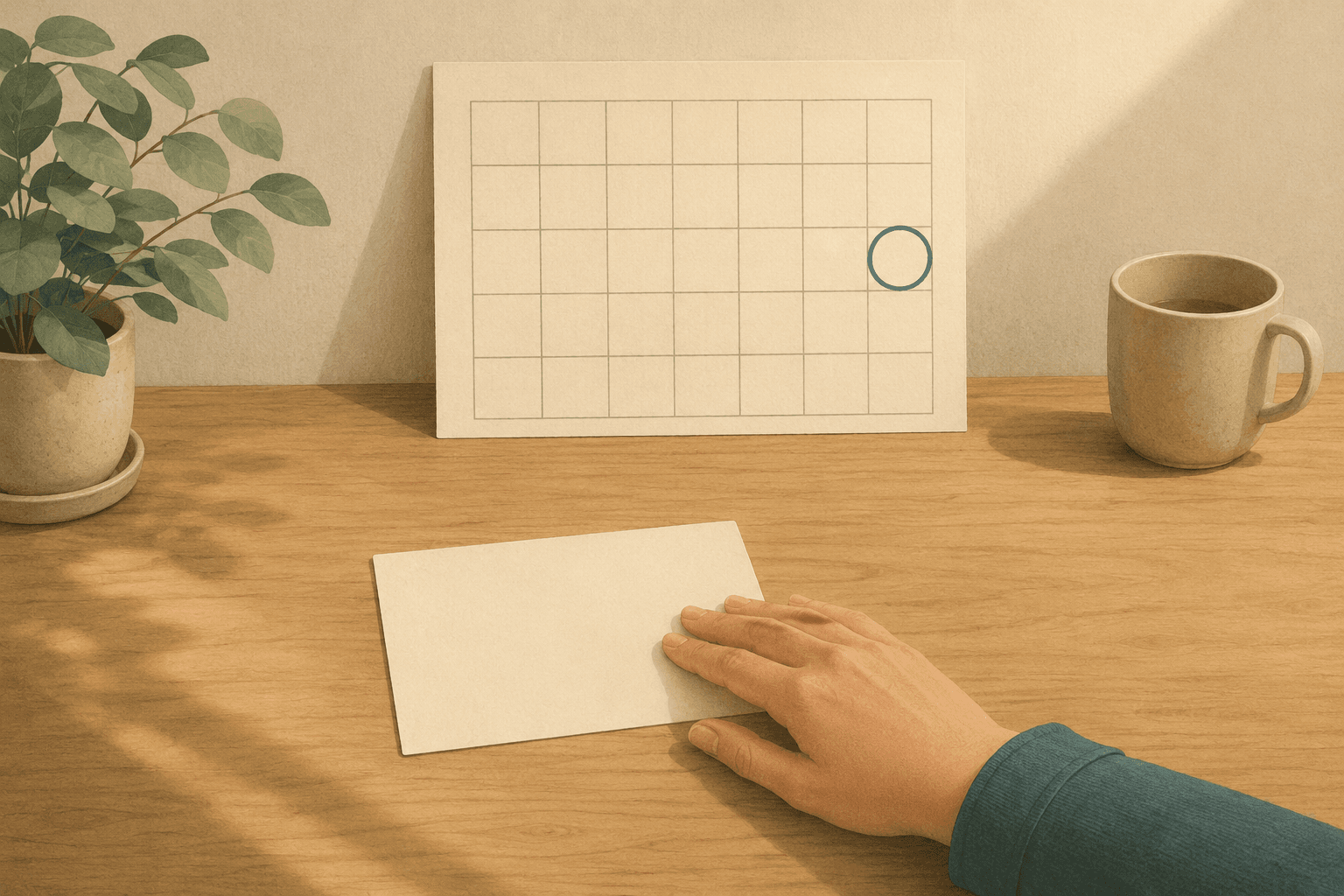
There are real deadlines — dates other people are holding too, which don't move because you had a bad week. And there is being behind on your system: the accumulated pile of unprocessed items your own list generated, which exists nowhere except in the list. The first kind is usually small in number and already written somewhere reliable; commitments you owe other people are exactly what a calendar can hold honestly, because their truth doesn't depend on how you feel. The second kind is unbounded by design, because a list can always hold more.
What stops people on the morning after is almost never the first kind — which is exactly what makes checking it cheap. So check the first kind. It takes a couple of minutes — short enough that it isn't the admin task the last principle warned about — and it's usually shorter than the dread suggested. Then let the rest go back to being what it always was: things you haven't chosen yet. Not choosing something today is a statement about today, not a failure about the task.
How Canvas Tasks puts this into practice
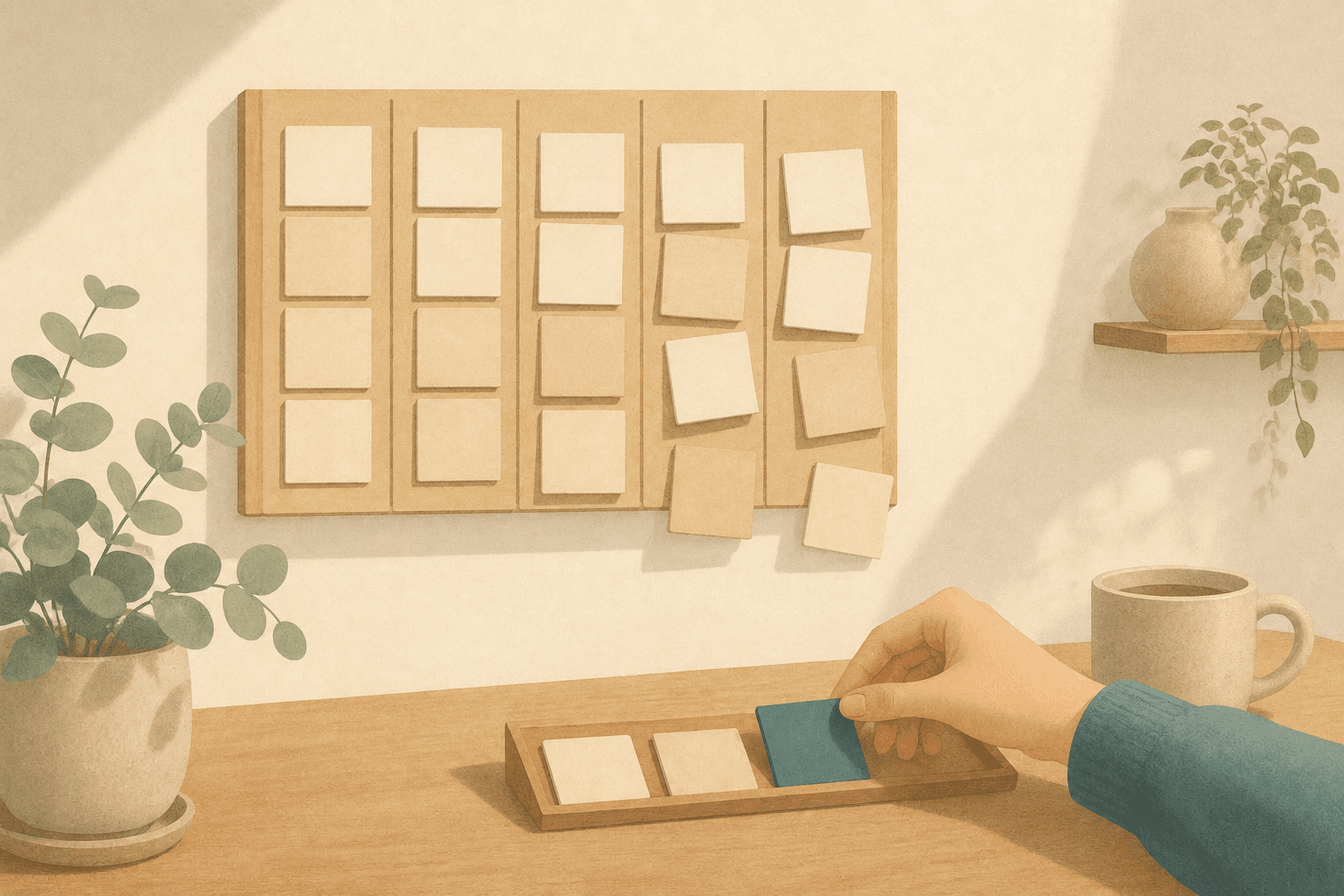
This is where Canvas Tasks comes in. The Today home holds one day at a time, and its most important design decision is a thing it doesn't do: nothing moves forward on its own. Skip a day, and tomorrow doesn't open with yesterday's leftovers already stacked into it. If you want something to come with you, you send it deliberately — every item offers Copy to tomorrow and Move to tomorrow — which keeps carrying work forward a decision you make, rather than a bill the app writes while you sleep. Never opened the app at all that day? Same answer: the items stay on their own day, and today still starts empty.
The list itself carries no deadlines. Items under To-Dos don't have due dates, so there is no overdue state to display and no red for yesterday to leave behind. Routine works the same way: each day's checks are their own record, and a day you didn't check produces silence rather than a mark against you — the same accounting habit trackers usually get wrong. And the day's Reflection opens with What went well, with What could improve underneath it, because a review that starts with the failures is one you stop writing — the same accounting problem, one layer up.
What you did isn't discarded either. The Pro reports do count consecutive days. That isn't the machinery this article is against — the problem was never the counting, it was the counter greeting you first thing every morning, and the reports live in analytics you choose to visit. And breaking your current run never reduces the best one shown beside it: a bad week doesn't get to revalue what you already did.
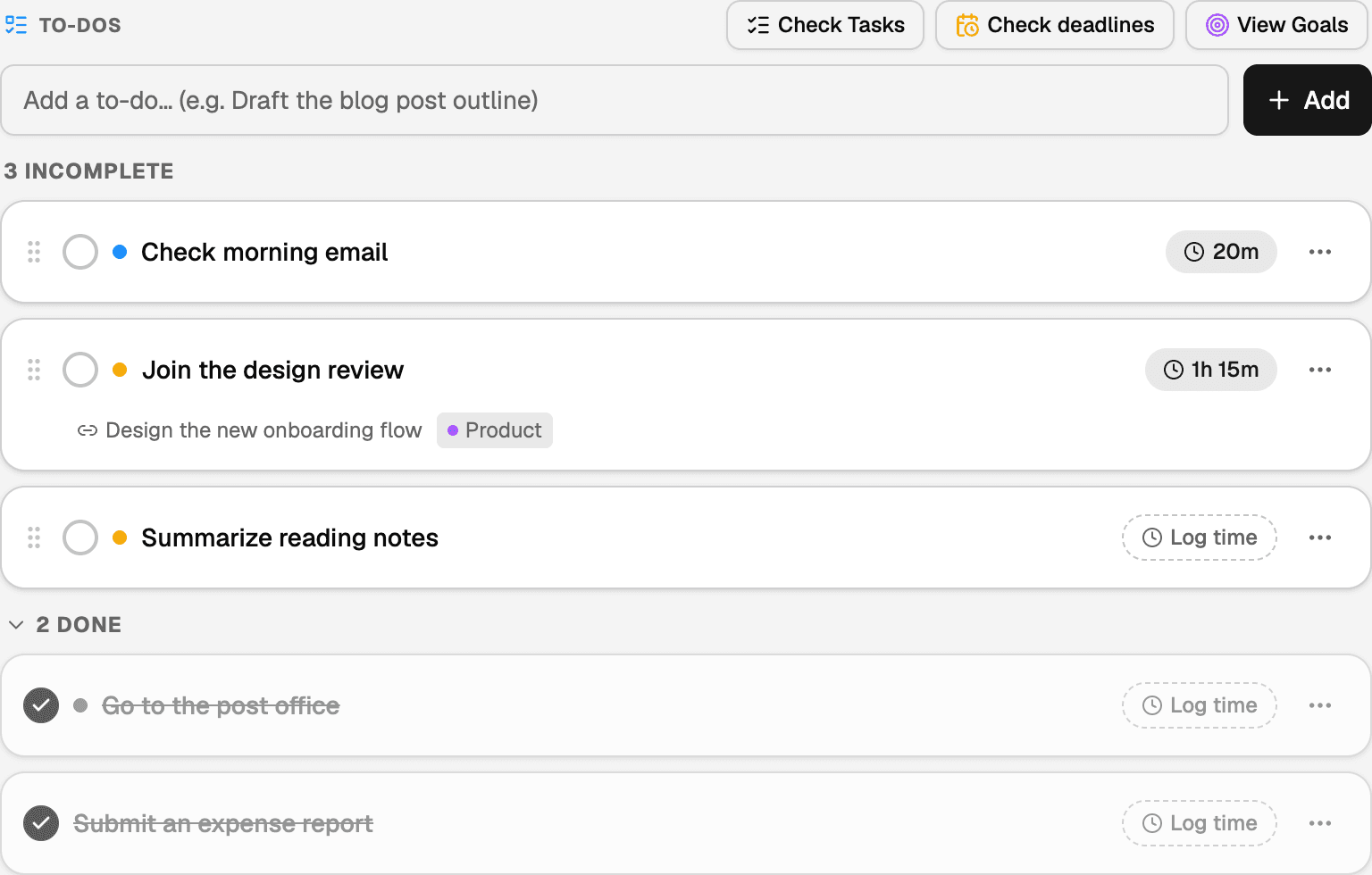
One day at a time. Nothing from yesterday arrives here on its own.
A few honest caveats. The free plan allows five To-Dos per day (Pro removes the cap), and time tracking and reports are Pro features. Tasks proper — the fuller objects that live outside the day's To-Dos — can carry a due date, and those do show as overdue and can notify you: that's a deadline you set for yourself, and the app takes it seriously. And there are nudges: an optional banner on the Today home when a weekly or monthly goal falls behind pace, and an evening reminder to write the day's reflection. All of them can be turned off or dismissed. The claim here is narrower and more specific than "nothing nags you" — it's that the container for today never fills itself with yesterday.
Frequently asked questions
If tomorrow starts blank, how do I remember what I was in the middle of?
The blank page is today's plan, not your memory. Unfinished work still exists wherever you keep it — what stops is its automatic promotion into today. Anything genuinely mid-flight is worth one line before you stop, saying where you left it. That line is cheap to write and turns a blank morning into a choice rather than a search.
Does letting the day close work if my work spans several days?
It does, because what closes is the day's plan rather than the work. Something you're three sessions into doesn't live on any one day — it lives wherever you keep your actual tasks, and a day's page only borrows it for the hours you gave it. What ends at midnight is the borrowing, not the piece.
Should I plan tomorrow the night before?
Either works, on one condition: the plan is a short list you write, not a carry-over the system assembles for you overnight. Planning at night leaves the morning less to decide, which matters most on the mornings you least want to decide anything. What to avoid is planning tomorrow while still judging today.
Is there a point where the old list should just be deleted?
Deleting rarely helps: an item you erase without deciding about keeps its claim on you anyway. What helps is admitting the pile is a pile — an inventory, not a backlog you are behind on. If reading it is what stops you starting, the fix is to stop working from it, not to empty it.