Tasks You're Not Ready For Don't Have to Rot on Your List — Try Incubating
Published · Updated · Canvas Tasks
There's a task on your list you keep scrolling past. You're not going to do it this week — maybe not this month — but deleting it feels wrong, so it just sits there, sending up a small pulse of guilt every time you open the app. Multiply that by a few dozen, and the list itself becomes something you'd rather not open.
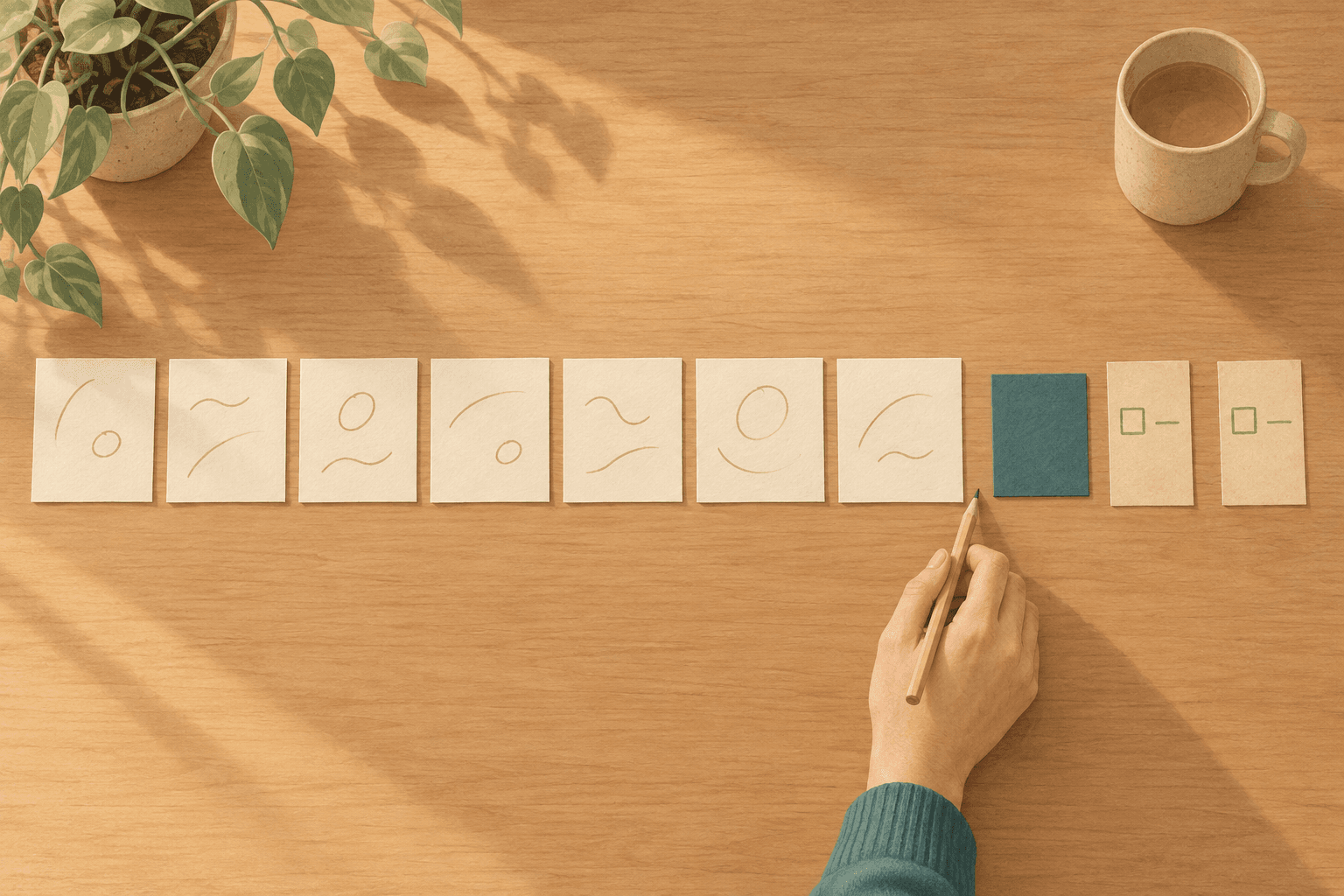
The trouble isn't that you have too many tasks. It's that a task you're not ready for has only two places to go: stay on the active list and rot, or get deleted and vanish. Both feel wrong, so most people end up choosing neither — doing nothing — and the list slowly decays. Systems tend to break down not when people add things but when they stop reviewing them (Zapier); an overwhelming list drives avoidance, which only makes it grow (Psychology Today). One writer found that simply moving things to a "Not Now" list was a relief in itself — not from doing the tasks, but from giving them somewhere to go (kartick).
What's missing is a state between "do it" and "delete it."
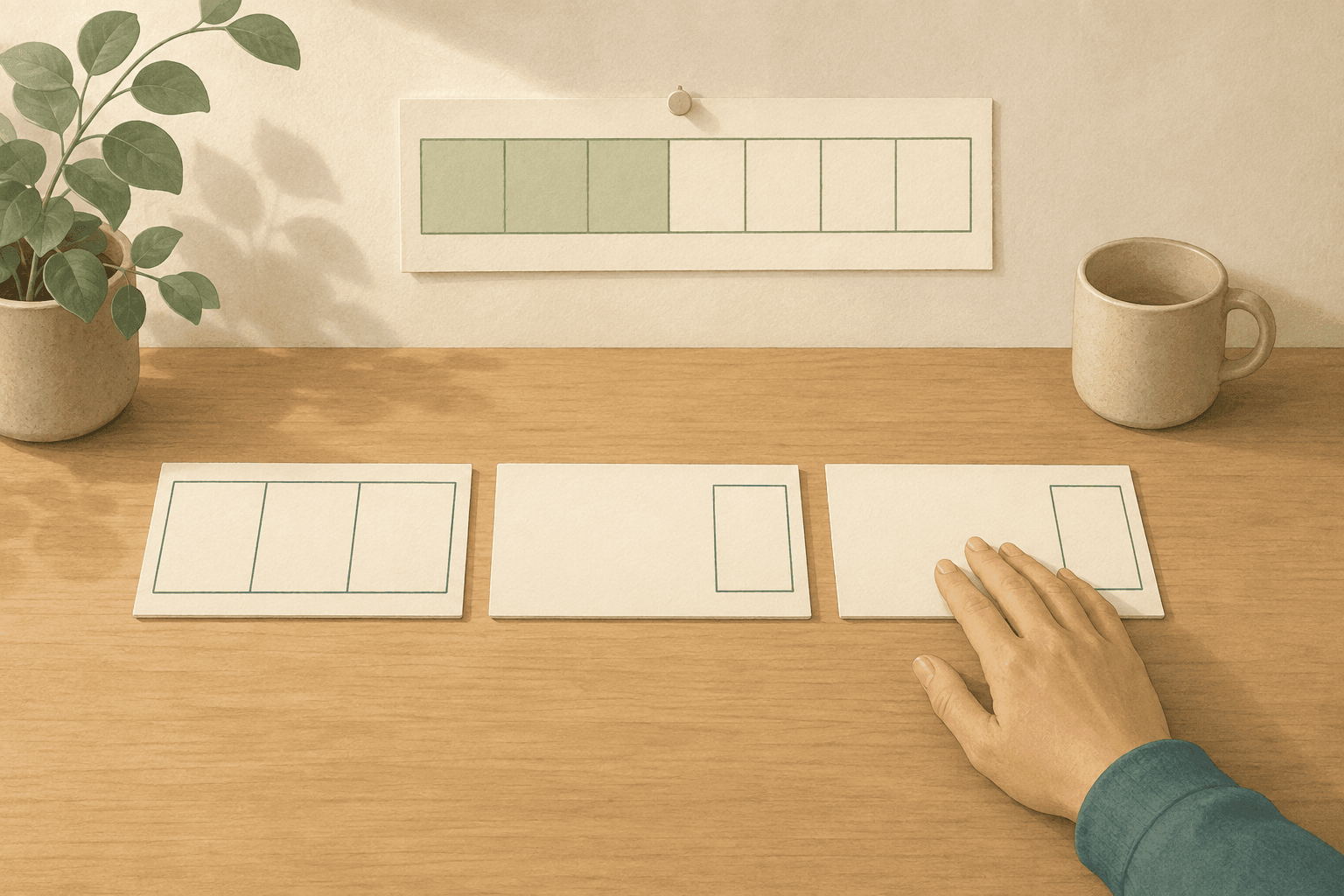
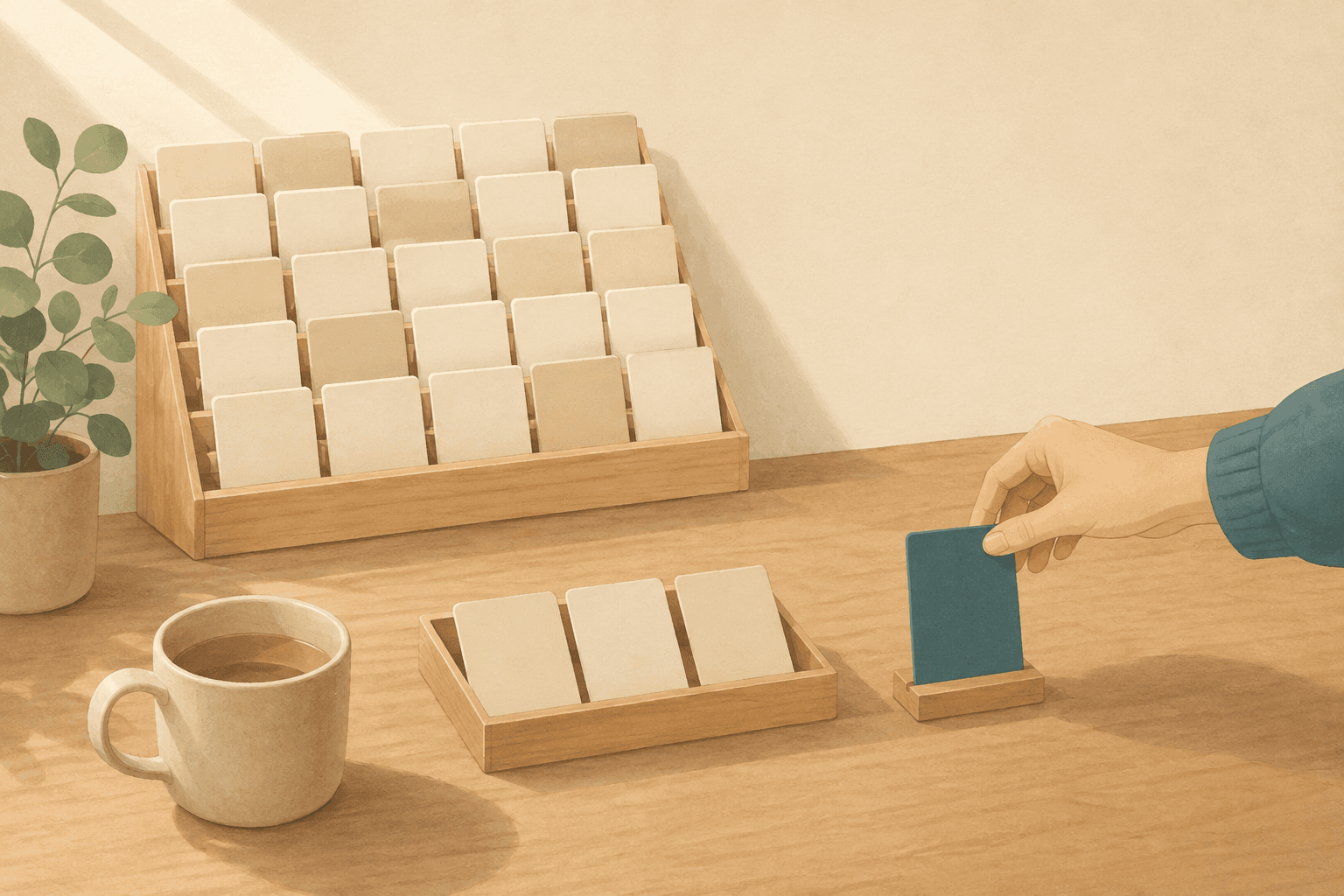
An incubating task is a task you've explicitly decided not to work on right now — without deciding never. It's a third state that most task systems are missing: not active (generating guilt on your list every day), not deleted (gone forever), but parked, with zero maintenance required until you're ready to pick it back up.

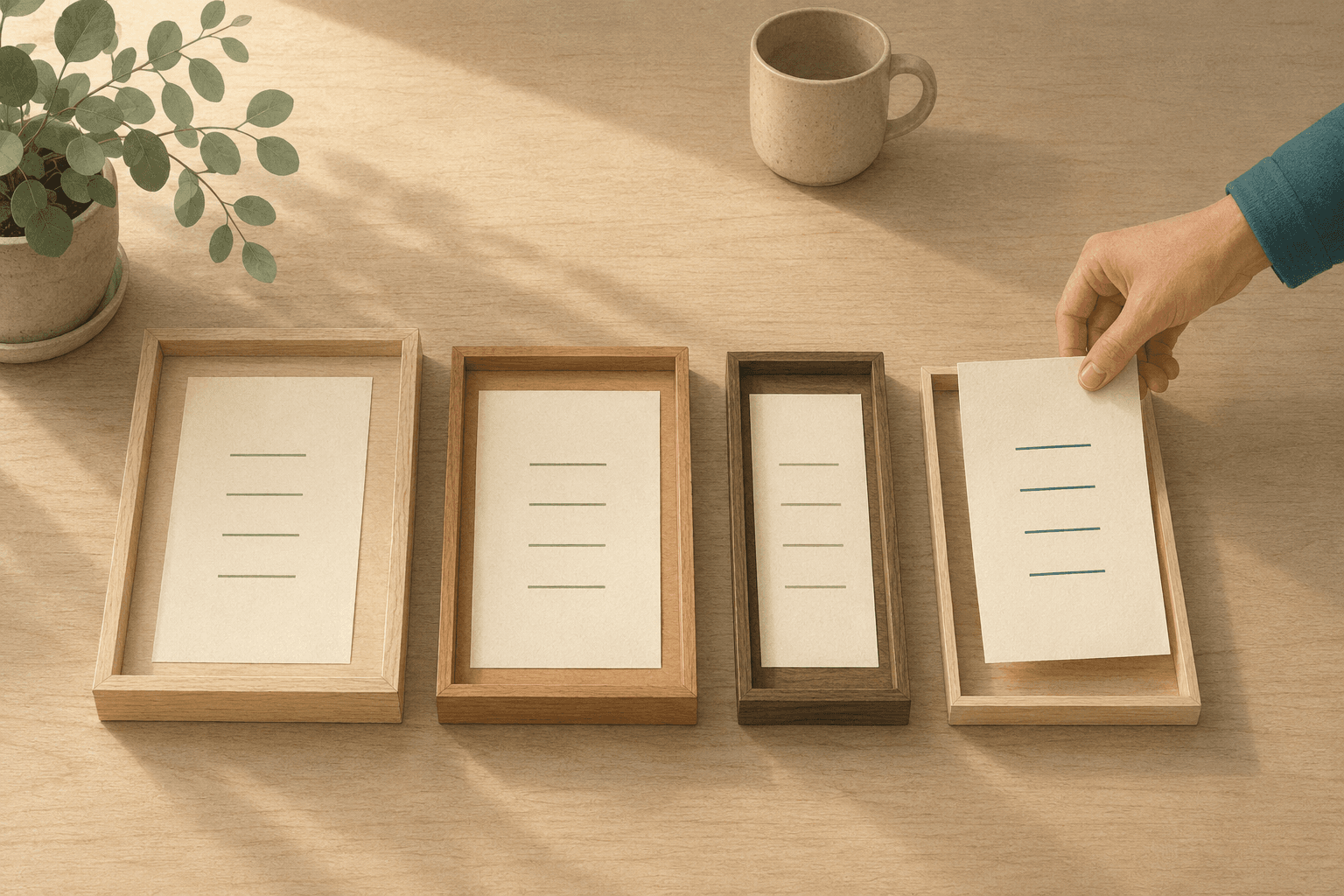
Not a trash bin — a quiet shelf where tasks wait until you're ready.
Why Someday/Maybe lists rot
The classic answer to this is the Someday/Maybe list — a place to move the things you're not ready for. The direction is right, and if it works for you, keep it.
But its upkeep has a catch: it depends on a weekly review. You're supposed to revisit the list on a schedule so it stays trustworthy. When the review lapses — and a busy month is usually enough to lapse it — Someday/Maybe quietly turns into a second backlog: one more list you're afraid to open, now with even less structure than the first.
A Someday/Maybe list fails for the same reason the original task list did: it assumes the discipline that was missing in the first place.
What you need isn't more discipline. It's a place that doesn't rot when no one reviews it.
How incubation works
Incubation is that place — a parking state that doesn't rot. The name fits: the task doesn't change while it waits, but you do, and one day some of them are ready. It comes down to four principles, none of which need an app.
- Park with one gesture. Moving a task out of the way shouldn't ask you for a date or a reason. If parking has friction, you'll just leave the task on the list to rot instead. One gesture out; that's it.
- Parking is a decision, not a failure. "Not now" is a real decision, and finishing a decision is progress. A shelf of things you've decided not to do right now is mentally far lighter than a pile of things you haven't decided about — an undecided item asks its question again every time you see it; a decided one has stopped asking.
- Resurface by browsing, not by scheduled review. There's no calendar obligation to check in. You glance at the shelf when your energy and mood suit it, and pick up only what fits your current state. This is where incubation meets energy-based task management: the test for pulling something back isn't "is it time?" — it's "does this fit the state I'm in right now?"
- Re-park without guilt. Pick something up, and if it's still not right, put it back. The round trip isn't failure; it's selection. Nothing spoils no matter how many times it goes back.
No red badges, no "this has been sitting for 47 days" warnings — the opposite of shame-driven UI. A task that sits untouched for months has often answered its own question by the time you look again: you were never going to do it — and now you can see that without guilt.
On paper, incubation is a page at the back of the notebook. Cross the task off the active list, write it there, and visit that page only when you feel like it — never on a schedule.
"But won't I just forget everything?"
The fear of forgetting is the real one, and it deserves a straight answer rather than reassurance.
First: a task buried in an overloaded active list is already forgotten in the way that matters — you still see the line, but you stopped thinking about the work itself weeks ago. It's just forgotten loudly — still generating guilt on its way down, never actually getting done. Incubation doesn't lose the task; it stops the task from shouting.
Second: incubation isn't making things invisible. It's specifying where and when you look at them. The shelf is a place you actually go, on purpose, when you have the capacity to consider it — not a drawer you sweep things into.
Third: a task you browse past again and again and never pick up is answering its own question. You're not going to do it. And by the time you delete it, you're deleting it with confidence instead of guilt. A task that still matters but keeps feeling too heavy is a different case: that one isn't answering "never" — it's waiting for a better state.
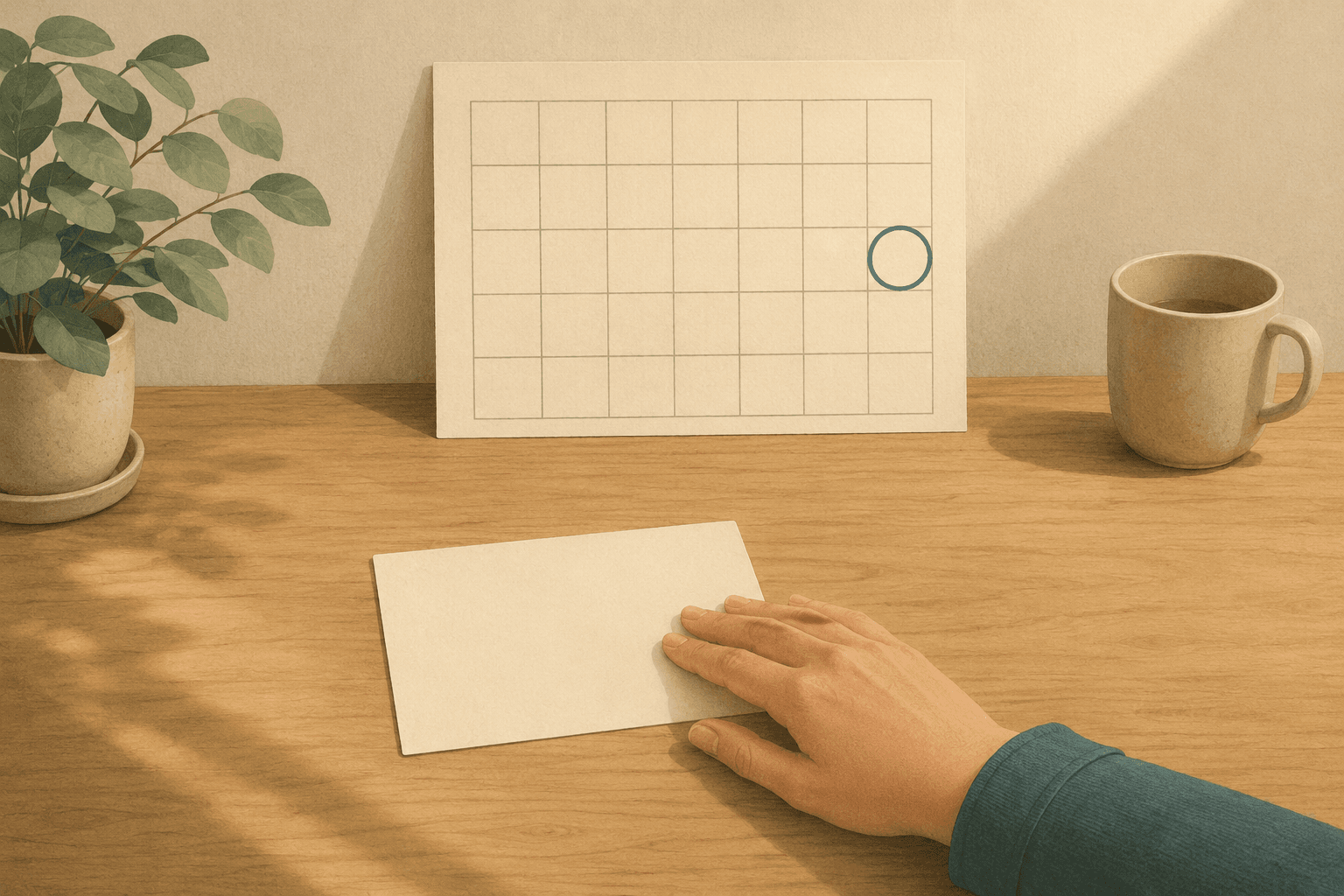
This is also what separates incubation from snoozing. Snoozing is date-based: the task comes back as an interruption on a day you guessed in advance — and because the guessed date says nothing about your state when it arrives, it usually just gets snoozed again. Incubation is state-based — nothing comes back on its own. You go to the shelf when you're ready, and you choose what comes back.
How Canvas Tasks puts this into practice
This is where Canvas Tasks comes in. Incubating is a first-class state there, and parking keeps its one-gesture promise: any task on your list moves to Incubating in one click. (A brand-new thought takes two beats first — captured in a single line, then turned into a task.)
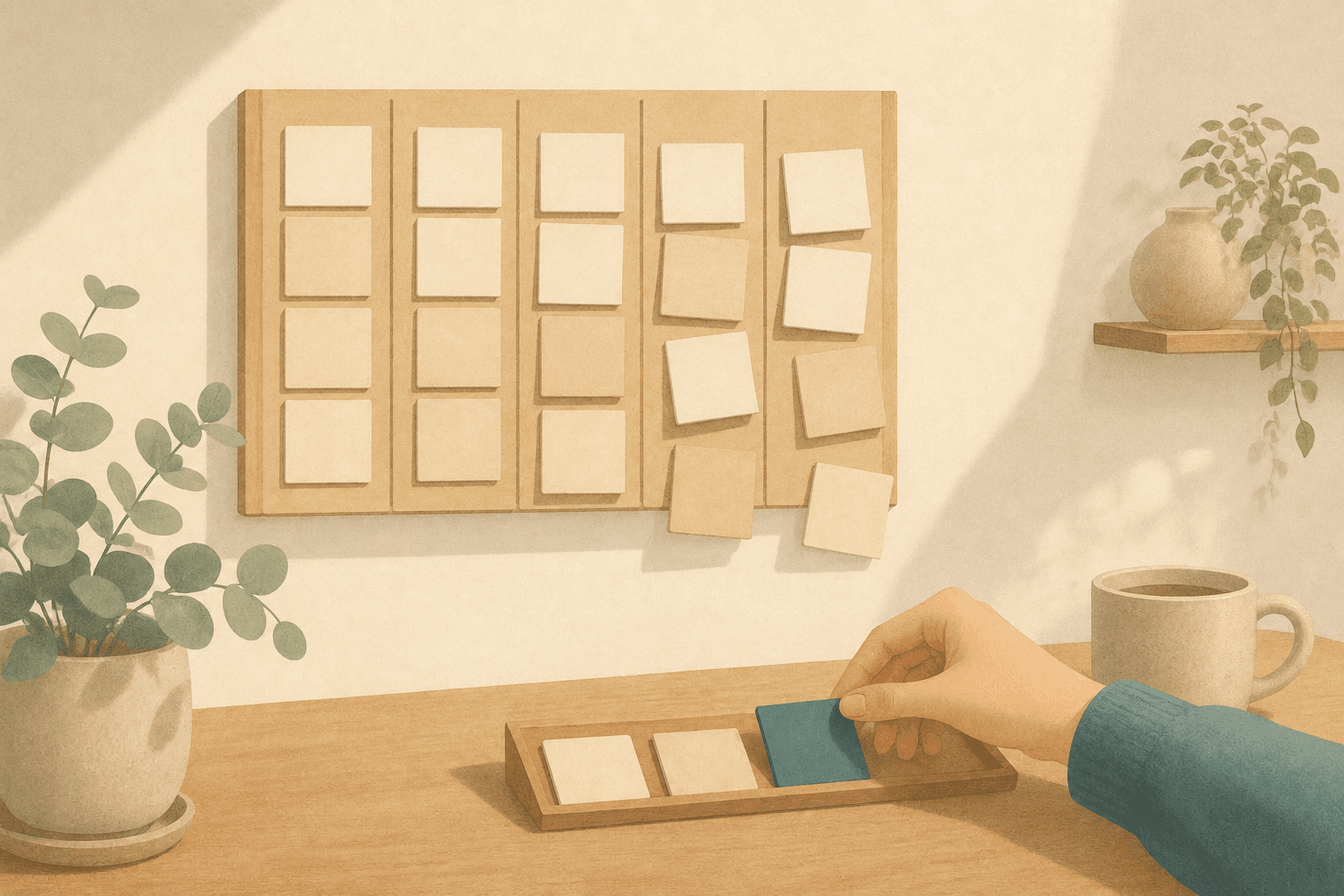
An incubating task drops out of everywhere work gets chosen: the board, the Energy × Nature matrix you pick tasks from, the focus queue. It lives on a dedicated shelf that shows no elapsed-day counter, and nothing ever puts it back on a day's plan on its own.
Getting it back is always your move, in one of two ways. Browse the shelf and tap the undo icon on a card to send it back to In Progress. Or, while planning your day, pull one in from the Incubating section of the task drawer — it joins the day while staying incubating, so you can give it a try without recommitting to it.
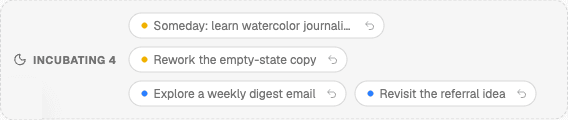
The Incubating shelf, pinned at the bottom of the task view — a one-line count when collapsed, expanded here. No due-date badges, no elapsed-day counters — tap a card's undo icon to send it back to In Progress when you want it.
Incubating is on the free plan, with one honest caveat: incubating tasks still count toward the free plan's fifteen active tasks — parked work is still work you're keeping — so on the free tier the shelf holds a considered few, not a graveyard. A large incubating inventory is what Pro is for — there, the cap disappears entirely.
Frequently asked questions
Is there a size where the shelf stops being useful?
Yes, though later than people expect. A shelf of parked items you can scan in a minute still works; one that needs its own search has become a second inventory. If it gets there, the fix isn't tidying but deciding — most of what piled up was quietly answering never, and reading it once with that question in mind clears it fast.
Should I have one shelf or several?
One is usually enough, because an incubating shelf is defined by a decision rather than a subject: these are the things you decided not to do right now. Splitting it by project or area recreates the upkeep the shelf exists to avoid, since every division becomes another place you have to remember to visit.
Can I park part of something rather than all of it?
Yes, and it's often the honest move. Something half ready usually contains one piece you could do this week and a remainder that isn't decided yet. Split it, keep the ready piece where you can see it, and park the rest. Parking the whole thing when part of it is live is how live work goes quiet.
Can I park something other people are waiting on?
Park it if that stops you turning it over all week — but the date and the people holding it do not move when the card does. Parking is a decision about your attention, not about the commitment. If the timing has genuinely changed, the honest version is to say so early, while saying it is still cheap.