"Ship the App" Is Not a Task — Getting Task Granularity Right
Published · Updated · Canvas Tasks
There's a line near the top of your list that has been there since March. It isn't that you've avoided it — you've worked on it repeatedly, some days for entire afternoons. But the box beside it has never been ticked, because the line reads Ship the app, and nothing you did today made that true.
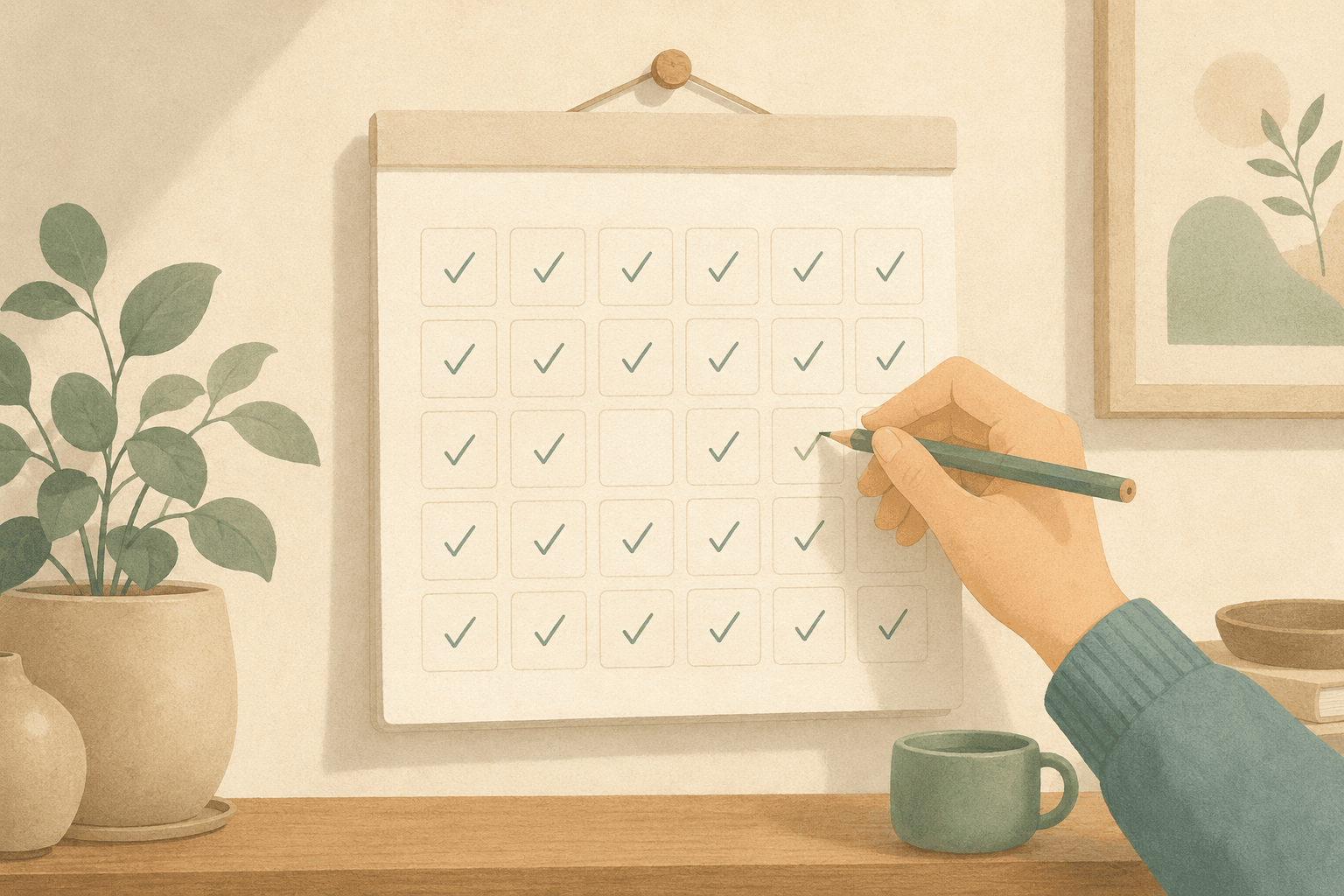
A task you can't finish reads, over time, as a task you didn't do. Zapier's account of why people bounce off to-do apps puts never-done work among the things that drain a system: there's no satisfying way to mark it complete. Meanwhile the list grows around it — one developer opened their app to sixty-two overdue items and deleted the account (Medium).
The opposite mistake is quieter. Break that same work into fifteen steps and every one gets ticked. At the end of the week you have fifteen checkmarks, a productive-looking history, and nothing you can point to.
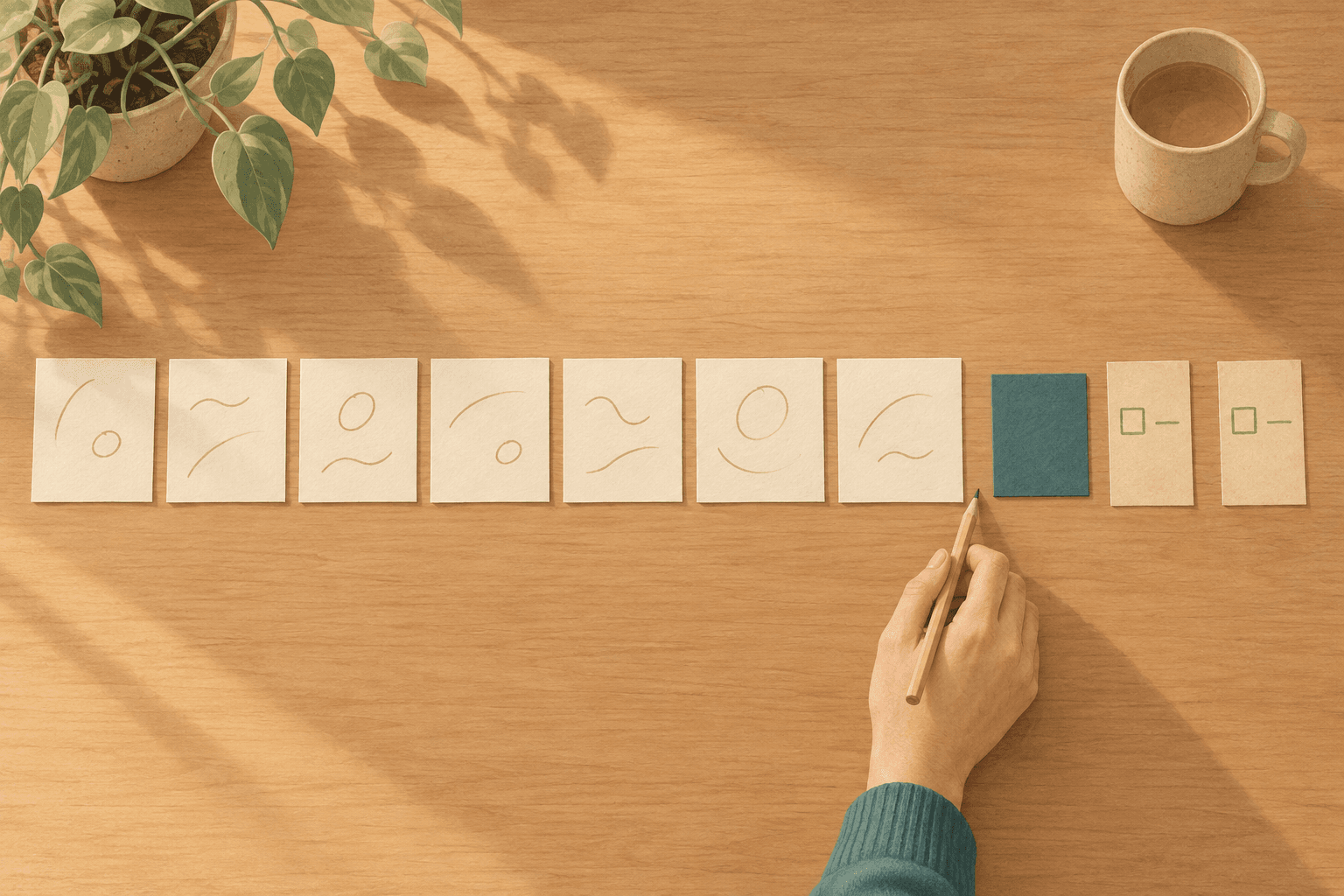
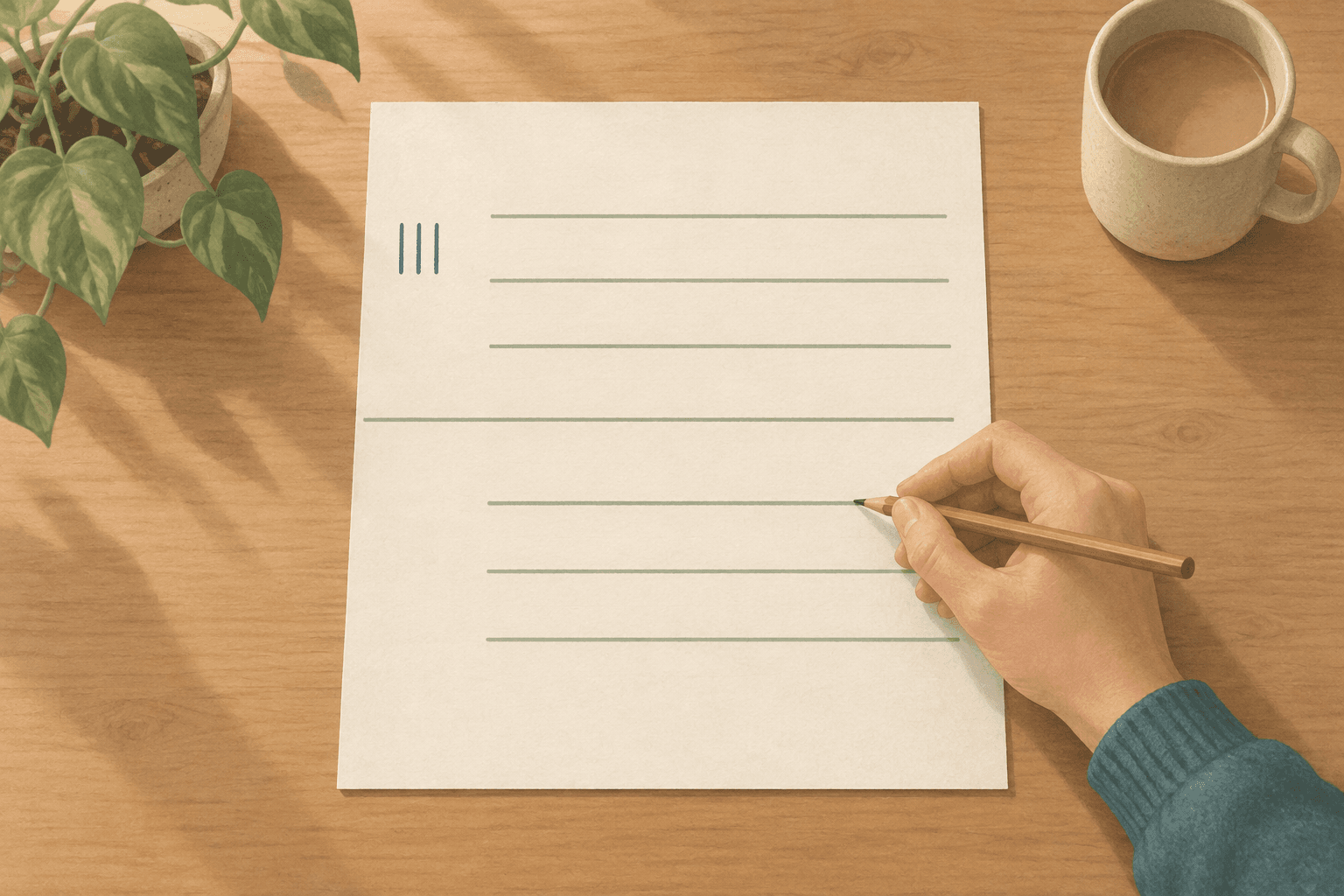
Task granularity is the size you give a task when you write it down, and it decides whether you can ever finish it. "Ship the app" is not a task — it has no single finished state, so it sits on the board collecting time instead of progress. "Take a screenshot" is not a task either — it ends in two minutes and leaves no record of what it was part of. The unit that works sits in between: a few working sessions long, small enough to end, big enough that ending it means something.
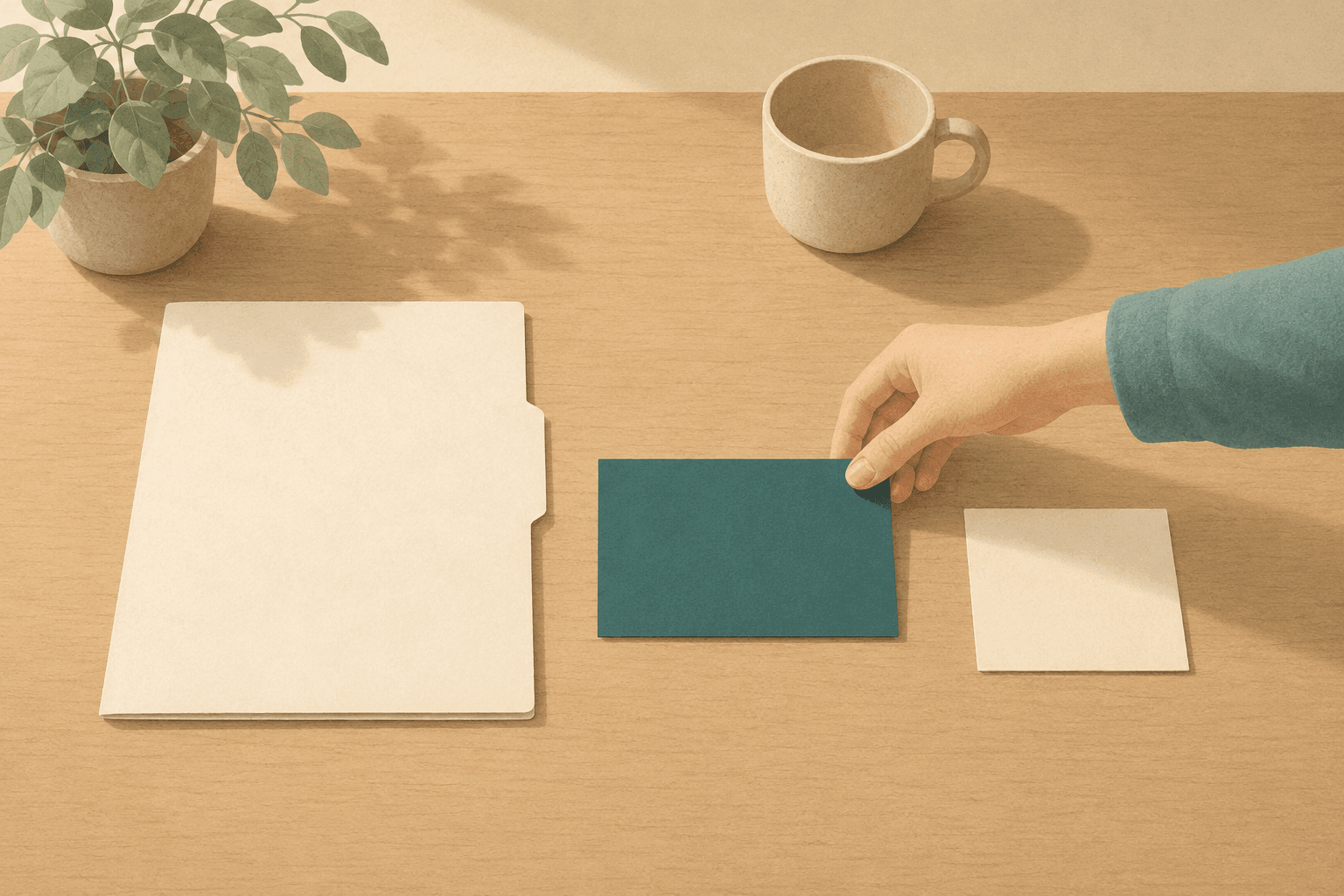
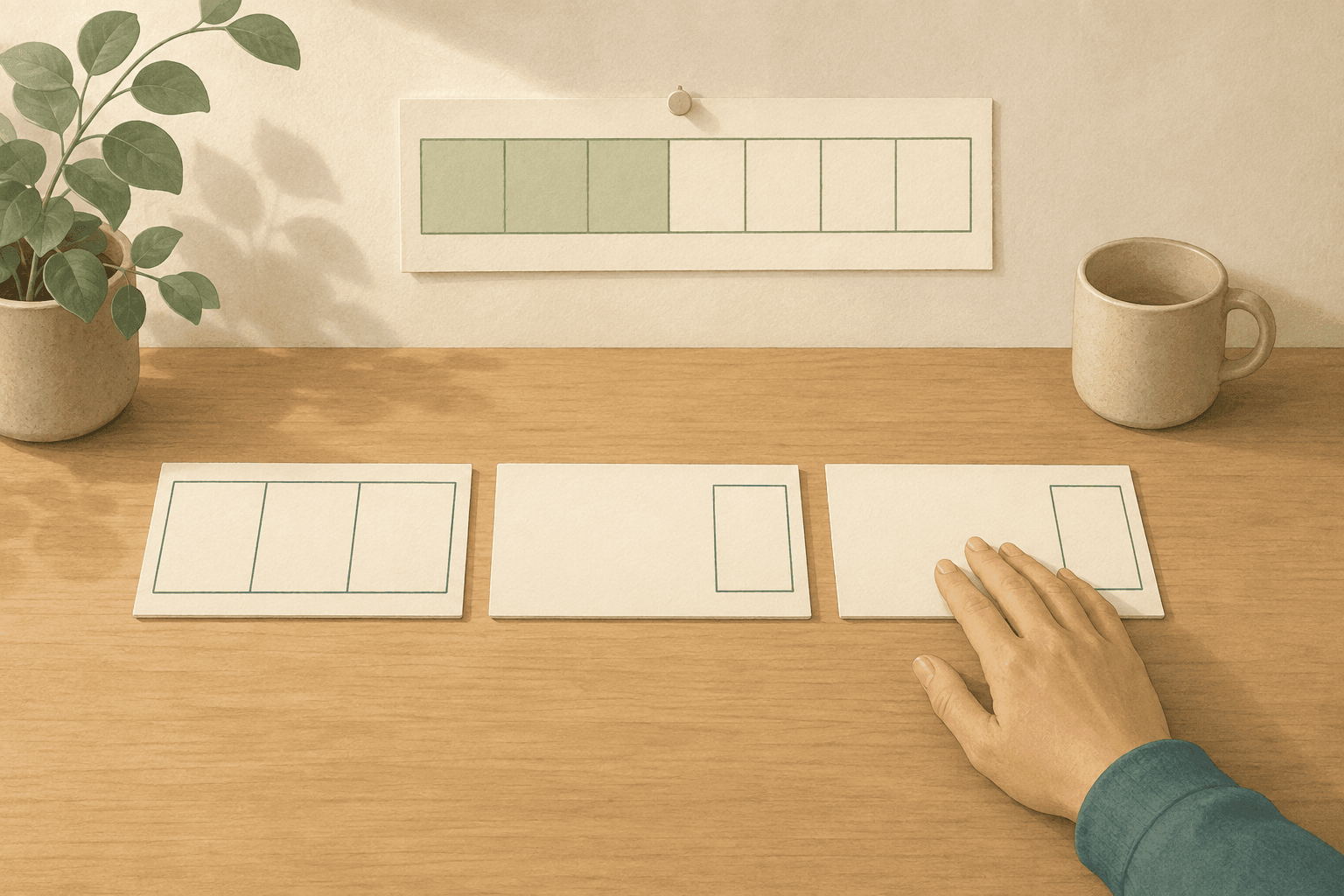
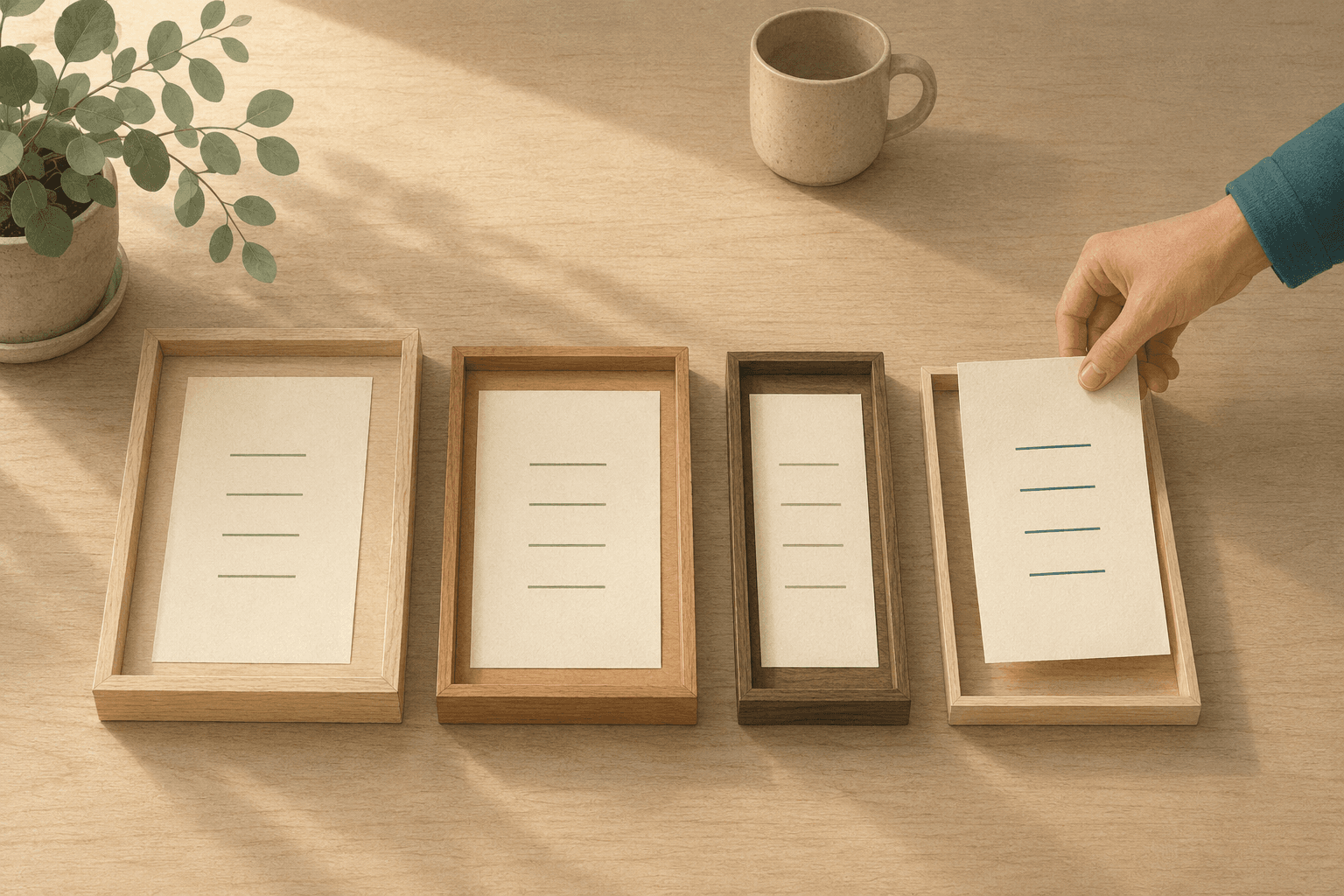
Same paper, three sizes. Only the middle one is a task.
The task that never gets checked off
A task that never gets checked off is rarely one you're avoiding. It's usually the one you've spent the most hours on — the thing you're committed to, written down the way you'd describe it to someone else. That description makes a poor unit of work: it has no edge, so no moment entitles you to call it done, and the system meant to track progress records nothing.
Progress you can't see is progress you have to carry, and a list that gives nothing back becomes one you'd rather not open — which is how being overwhelmed turns into avoidance.
The quieter mistake — splitting everything into the smallest pieces — moves the damage rather than fixing it. The shape of the work disappears: nothing says how far along the whole is, so the only place it still exists is in your head, which is what writing it down was supposed to prevent.
Neither failure is about discipline. Both endings were decided when you wrote the line down and picked a size without noticing you were picking one. And when a day ends with nothing ticked, the honest accounting is that the size was wrong, not that the day was a zero.
Three sizes, one word
Ship the app, build the signup screen, take a screenshot — three lines on a list, three different sizes of work. The first is a commitment: it spans weeks and holds work of every kind. The second is a unit of work: it takes a few sessions and can actually be finished. The third is a step: it ends in one sitting and only makes sense inside something larger.
A list gives every line the same row and the same checkbox. The word "task" is doing three different jobs inside that one shape.
Put a commitment in that shape and two things break. It never moves: the stages a task passes through — to do, in progress, review, done — are built for one executable piece, so a commitment enters "in progress" on day one and never reaches a later one, and stalling becomes its resting position. And with no single finished state, you re-argue whether it's done every time you look.
Put a step in that shape and it breaks the other way. It finishes easily, but the thing it belonged to has no representation anywhere, so nobody, including you, can say how much of the real work is behind you.
There's no named bias to cite for this one, and no study to point at. Open your list and find the oldest line on it, then ask which of the three it is. Usually the line that's been there longest is a commitment wearing the shape of a task, reporting you as someone who doesn't finish things.
That also explains something a shorter list won't solve: when you can't start, the problem is often not how many items are in front of you, but that the one you'd choose is too big to be picked up at all.
Cut by nature, not by hours
Sizing advice usually arrives as a number — keep tasks under two hours, break anything longer than a day. Numbers are attractive because they're checkable, but a clock measures how long you sat there, not what the work asked. Four rules do better.
-
Name the finished state before you name the size. The right size is whatever lets you say, in one sentence, what will be true when you stop. "Ship the app" fails that test; you would settle it differently on different days. "The signup screen accepts a real account" passes. A line whose ending you can't state is a commitment, and it needs somewhere else to live.
-
Keep the unit at a few working sessions. A session is one go at the work, however long that takes — counted from the work's side, not the clock's. One session means you've written down a step; a run of them with no end in sight means a commitment. In between, you can still hold the finished state in mind when you pick the work up tomorrow.
-
Fold steps into the unit; don't promote them. Steps are worth writing down — they're where "pick this up tomorrow" survives the night. What they're not worth is their own line: progress then gets counted in ticks rather than units finished, and ticks are cheap. Kept inside the task, they still tell you where you left off.
-
Let the kind of work decide the cut. The right split follows the task's Nature — the kind of attention it asks for, borrowed from energy-based task management. Thinking work — the analytical kind: research, judgment calls — speeds up when broken into steps: most of its difficulty is deciding what comes next. Creative work suffers: writing the steps settles the answer first, so the list replaces the thinking the task existed for. Work — the routine kind: errands, admin — batches into one pass, since ten small chores cost more to track than to do.
The right size is not a number of hours. Steps rescue analytical work and starve creative work, so the cut has to follow the kind of work, not the clock.
Consider someone writing a book alongside a job. The chapters aren't tasks — each is a commitment with a dozen sessions in it. What works is one index card per session's worth of writing, with the finished state on the back: the argument for chapter three exists in rough form.
"But breaking it up ruins the work"
Breaking work into steps does ruin some of it. Split a piece of writing or a design problem and the plan presumes an answer — the part where the shape changes under your hands is settled in advance, and what's left is executing a decision you made when you knew least.
So the rule isn't "make everything smaller." For creative work the useful move is not to divide but to name the ending: one line describing what will be true when it's done, giving the task an edge without a procedure. Commitments don't need breaking up either — they need somewhere to live that isn't the row where executable work sits. A second list will do, or a page in a notebook; there they can stay as large as they are. The damage was never the size; it was the size being in the wrong container.
And when you get it wrong — usually on work you've never done before — the repair is ordinary. You discover a task's real shape by starting it, so rename the line to the part you're actually doing and let the rest become its own unit. That isn't a plan falling apart; it's the plan meeting information it didn't have.
How Canvas Tasks puts this into practice
This is where Canvas Tasks comes in. The three sizes are three different things in the app, so choosing between them is a matter of where you put something.
Steps live inside a task, and the input says so: the checklist placeholder reads Small enough to finish in one sitting…. Folding them in doesn't hide progress — the row shows a count of items done, so a task four steps into six looks different from one not started, without costing six lines.
Choose a Nature and the hint says which cut to make. Creative gets Jot one line describing the finished state. Avoid over-splitting; Thinking gets Breaking it into steps helps — try a checklist; Work gets Batch small chores into a checklist and knock them out in one go. The advice sits where the decision is, not in a help page.
Commitments go somewhere else — a Project, which is deliberately not a task. It carries none of a task's attributes: no phase, no Energy or Nature, no timer of its own. Its progress and total time are derived from the tasks inside it and can't be typed in — a bundle's progress is a fact about the work under it, not a number you maintain.
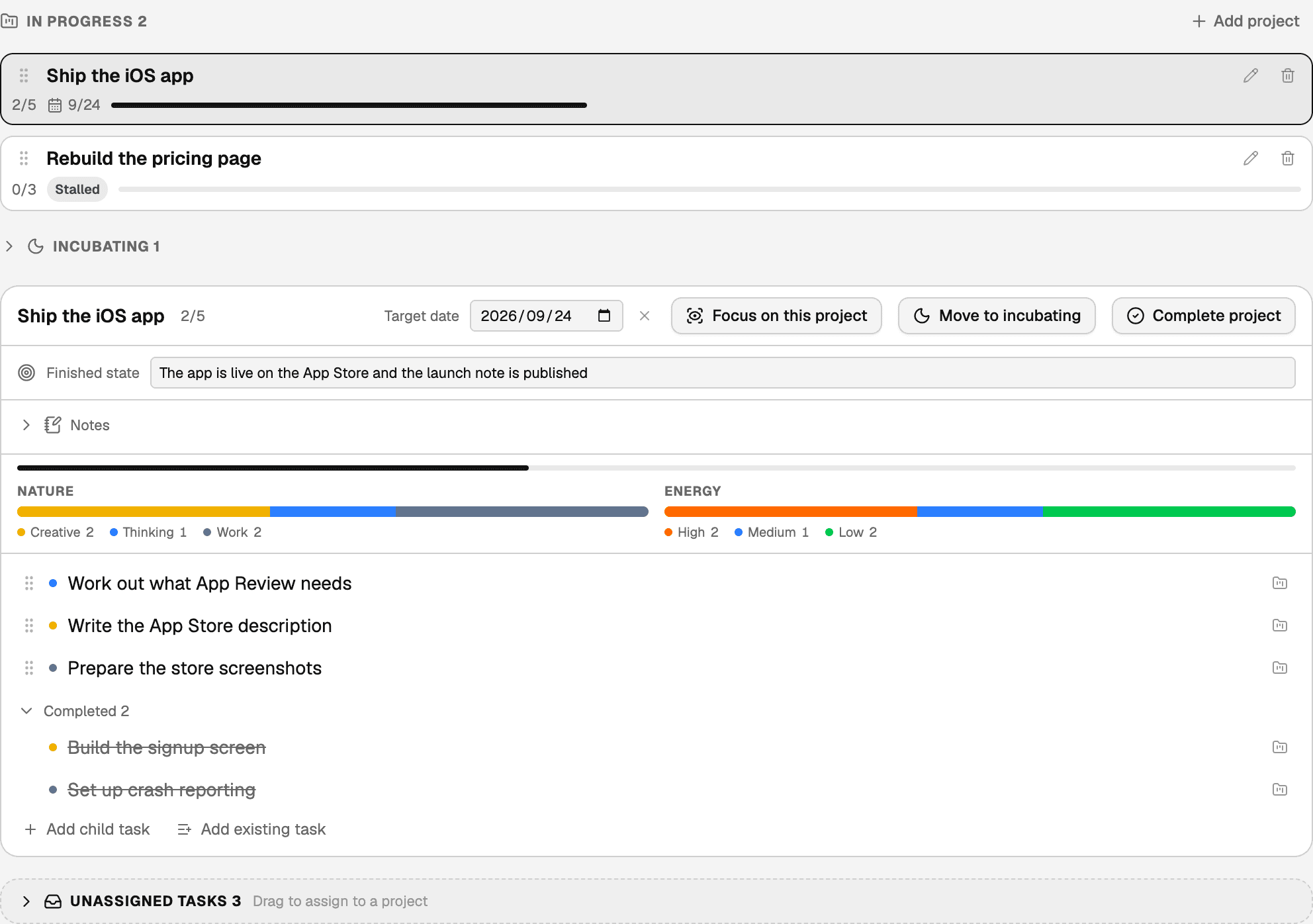
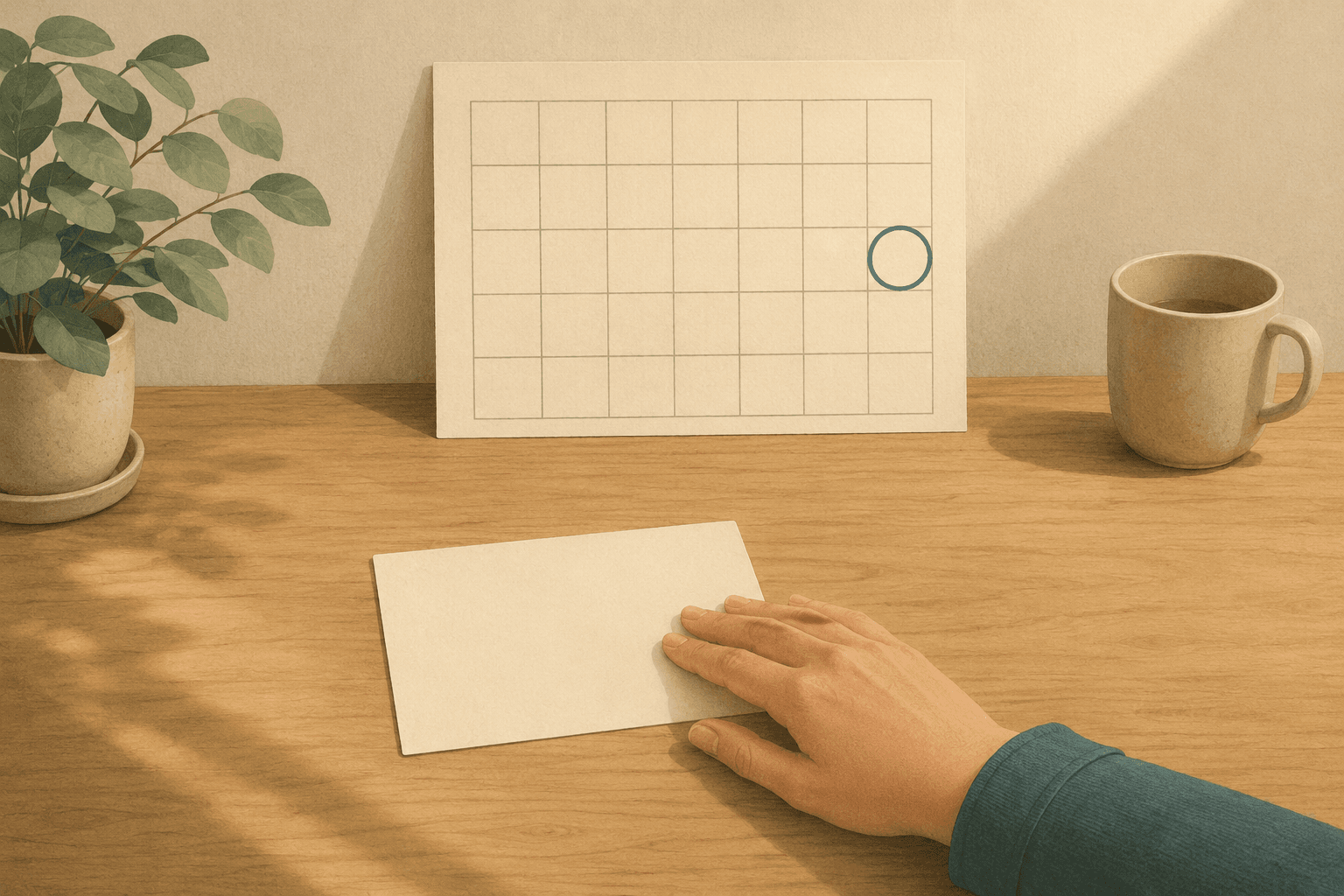
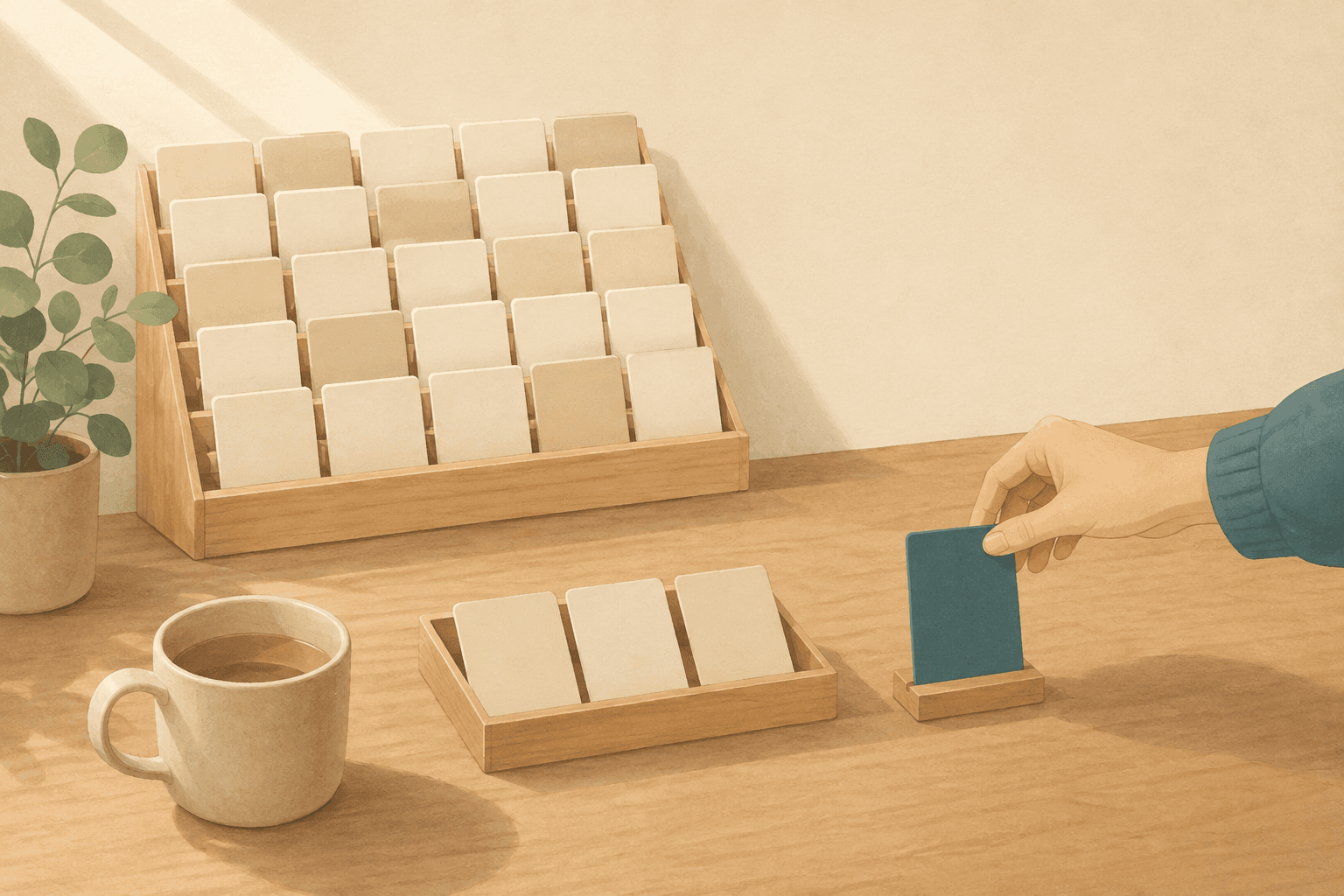
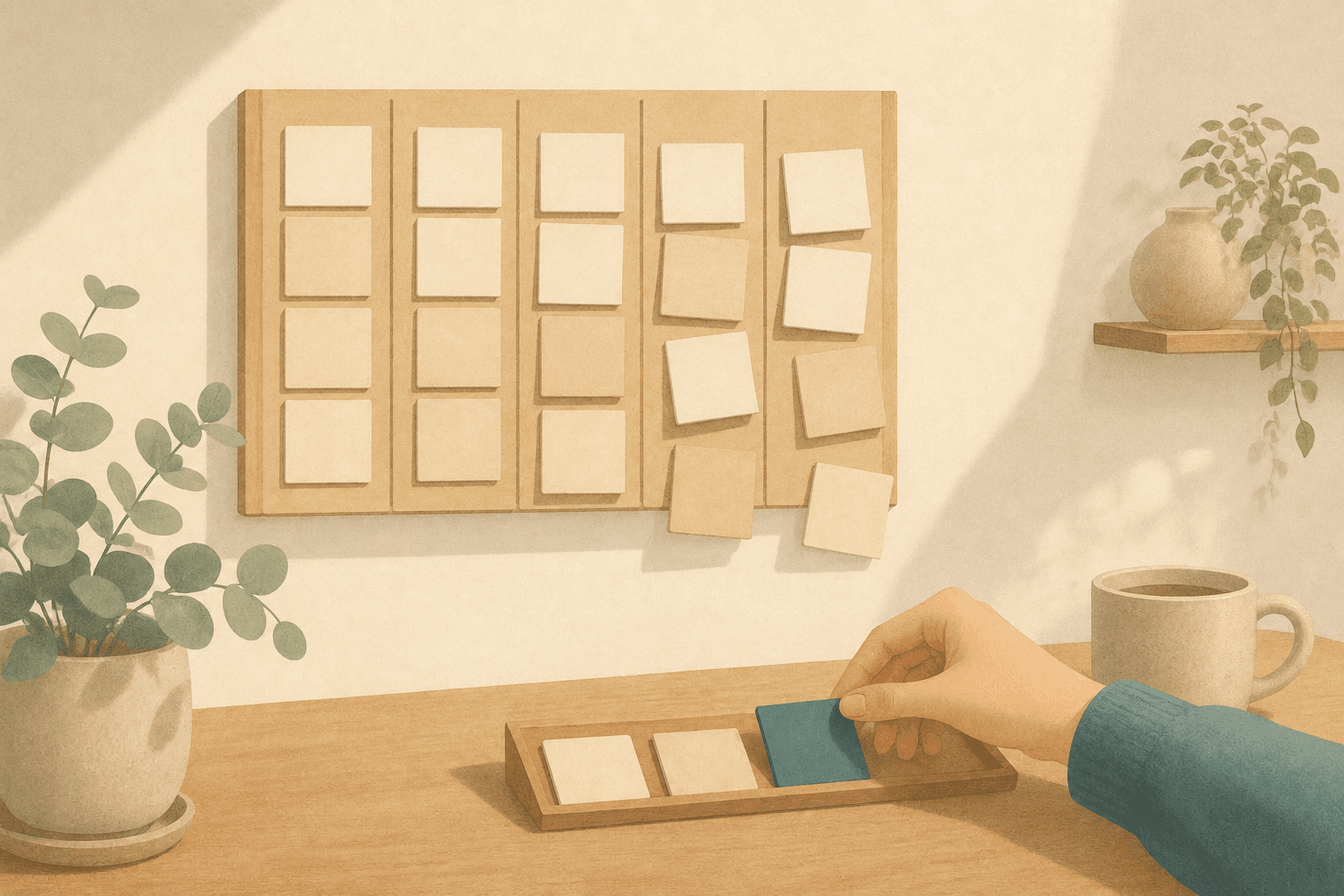
A commitment, its finished state, and the units of work underneath it — in three different places.
A project carries a Finished state of its own — one line, so naming the ending applies at every size. A project that hasn't moved in a long while gets a Stalled badge on its own, the check a plain list can't perform: a commitment written as a task just sits in "in progress", looking as legitimate as everything else.
Setting something aside deliberately differs from neglecting it, so moving a project to Incubating stops the badge and reminders — the distinction incubating draws for individual tasks. And Promote to project turns an overgrown task's checklist into child tasks, keeping its recorded time.
Two honest notes. Projects are a Pro feature; the method above works without them, but in-app bundles are paid. And the free plan holds three checklist items per task: enough for most work, not for the ten-step procedures routine work sometimes wants. Pro removes that limit.
None of this makes the work smaller. The line that's been there since March is the same amount of work either way — it just stops being one line, and stops recording months of real effort as nothing at all.
Frequently asked questions
Where should the finished state be written?
Where you'll see it when you come back to the work. Its value lands mostly at the restart, when whoever returns has to reconstruct what finishing meant — so on the card, the line, the top of the file. Written only into a planning session, it does its job once and then stops being available.
How do I size work when I don't know what's involved yet?
Make the finding out the task. "Work out what the migration needs" has a finished state — you know something you didn't know before — and it usually takes a session or two. Sizing the real work before you understand it is guesswork, and that guess is what makes the task unfinishable later.
Should a recurring chore be a task or a checklist?
A task, if finishing it means something on its own. A checklist, if it's a set of steps you repeat in order and only care about as a whole. The test is the same as everywhere else: can you name what will be true when you stop? If the answer only makes sense for the whole set, the set is the unit.
Does this change how I estimate how long something takes?
It changes what you're estimating. A unit with a stated ending can be compared against ones you've finished before, which is a far better basis than guessing at something with no edge. The estimate is still a guess — but a guess about a shape that has happened before, rather than about an open-ended commitment.