Before You Switch Task Managers, Name What Broke
Published · Updated · Canvas Tasks
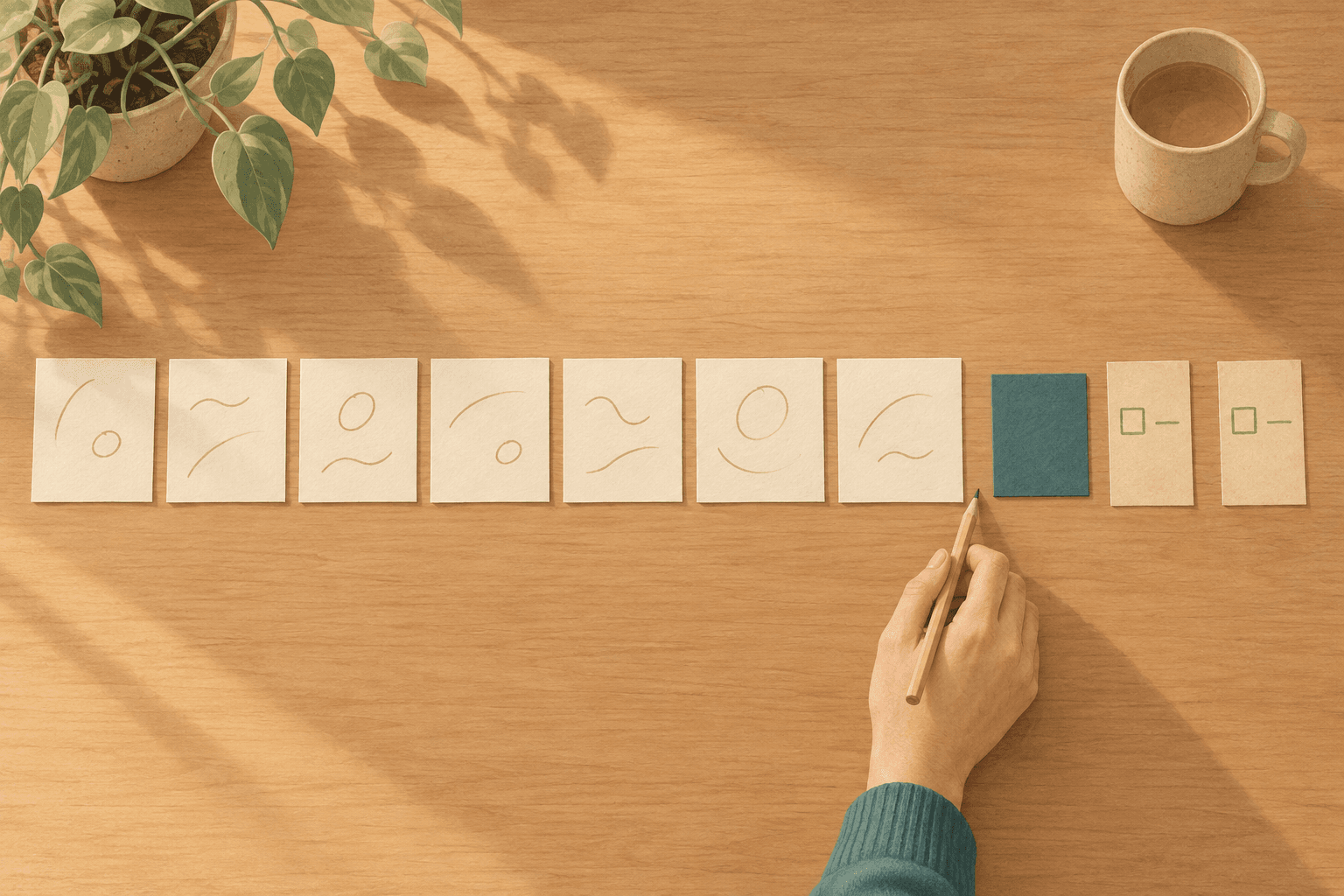
The new app opens on an empty project list and asks you to name the first one. Work goes in, then Home, then Errands, then Someday — the same four you typed into the last one, in a different typeface. Setup takes an hour and it's a good hour. Entry is faster, search actually finds things, and the whole thing looks like the way you think.
Three weeks in, the list is sixty-one lines long and you've stopped opening it before noon.
Switching task managers fixes problems that live in the app's surface, not problems that live in its model of your work. A surface problem is anything about how the app looks, syncs, or gets things in and out. A model problem is an assumption the app makes about you — that what you list is already decided, that your capacity is the same every day, that a plan made in advance survives the day. Surface problems are worth switching for. Model problems follow you across the switch, because most task managers make the same assumptions.
Telling the two apart takes about twenty minutes, and it's worth doing before the next hour of setup.

A new frame. The same four lines.
Two kinds of complaint
Complaints about a task manager arrive in two shapes, and only one of them survives the switch. Surface complaints are about the app as an object: entry takes too many taps, search misses things, the phone and the laptop disagree, the price went up. Model complaints are about what the app expects you to be: it wants a date on something you haven't decided to do, or it shows you a list that was true for a different version of your week.
Abandoned to-do apps are common enough to be their own genre of article — the Zapier entry in that genre opens by asking how many you have. How many is the less interesting number. What they had in common is the one that predicts the next switch.
The first three weeks after a switch feel good because surface friction is real and its relief is immediate. Every capture that used to take four taps now takes one, and that improvement shows up the same day. Nothing about the model has been tested yet, because a model is only tested by a week that goes wrong.
What most task managers assume
Most task managers share a set of assumptions about the person using them. They are rarely stated, but they are visible in what every one of these apps offers you to fill in. They are true often enough to work as defaults, and a default that holds for most people is a reasonable thing to build on. Five are worth naming, because they are the ones a switch doesn't change.
-
What you put on the list is already decided. A list stores commitments, so its fields are commitment fields: due date, priority, checkbox. Anything typed in reads back as agreed to and undone. Right for a decided task, wrong for an idea still being turned over, which arrives each morning as an unpaid debt. Undecided work needs a state of its own, not a place in the queue.
-
Your capacity is the same every day. A task looks equally doable on every day it appears, because the line doesn't change. Some days it isn't, and the mismatch reads as a discipline failure instead. That's the subject of energy-based task management. Within a single day the same thing holds — some work stops being safe to start after dark, whatever the remaining count says.
-
A plan made in advance survives the day. Scheduling features let you assign work to future hours — useful for appointments, less so for work, since the assignment is made by the version of you who knows least about that afternoon. When the afternoon disagrees, the grid comes apart and what's left is a record of a day you didn't have.
-
A missed day means the system failed. Counters and overdue markers make a gap visible, on the theory that visibility motivates. For a day you simply didn't have, visibility compounds: the marker is still there tomorrow, now with a second beside it. Whether a miss stays one day's worth or restarts you at zero decides how expensive tomorrow is.
-
Every line on the list is the same size. Rows are uniform because that makes sorting and counting possible. It also puts a five-minute errand and a three-month project on one footing, so the list stops being something to choose from. Halving it doesn't help: a shorter list of the same mixture is just as unstartable, because the problem is the size of the lines, not the count.
These assumptions are not mistakes. They hold for a large number of people, which is why they became the default. But a default is not a diagnosis, and if the thing that broke for you is one of these, the next app on the list is very likely to break the same way.
A test before you switch
Sorting your own failures into surface and model takes about twenty minutes, and it works better with the actual list open than from memory.
-
List the last three things you meant to do and didn't. Three, not all of them. A full audit becomes its own unstartable task, and three is enough for the only question being asked here: whether they failed in the same place.
-
For each, name the moment it failed. There are only a few candidates: before it was written down, at the moment you looked at the list, or when the shape of the day changed.
-
At each moment, ask whether the app was in the way. Before it was written down: surface if capture was slow or it vanished between devices, model if you never wrote it because it wasn't decided. At the list: surface if you couldn't find it, model if it was right there and legible and still not something you could pick. When the day changed shape: model, since nothing on the surface list — speed, search, sync — would have changed that afternoon.
-
Switch for the surface ones, search differently for the rest. If most of your three are model failures, the thing to look for isn't a better app but one that assumes something different — and that is a different search, because feature comparisons don't list assumptions.
Consider someone whose three are a receipt they couldn't find, a report they saw every day for a fortnight, and a call they meant to make on a day that turned into meetings. One is surface and two are not. A faster app returns the receipt and leaves the other two exactly where they are.
"But maybe I just need to commit to one"
Committing to one is a real strategy and often the right one. If the three failures come out surface-heavy, a decent app you know well beats a better app you don't, and the switching itself is the expensive part — every move costs a setup hour and a few weeks of not trusting the list.
Where it stops working is when commitment is being asked to cover a model gap. Deciding to try harder inside a system that expects a steadier version of you produces exactly the result it sounds like: the same failures, now with the added evidence that you chose this one on purpose.
A history of switching is usually read as restlessness. It can also be read as accurate: each time, something genuinely didn't fit, and leaving was the correct response to information. What that history doesn't supply on its own is a name for what didn't fit — which is what the three failures are for.
Where Canvas Tasks fits
This is where Canvas Tasks comes in. It's an attempt at a different model rather than a better surface. It doesn't assume that what you list is already decided, that your capacity is the same every day, that a missed day means the system failed, or that every line is the same size. The third is the only one with a defensible core: some parts of a day genuinely can't move, and placing only those is the part of advance planning that survives.
The day's work is chosen by matching what a task needs against the state you're actually in, which is what energy-based task management means; the linked articles take the others one at a time.
Three things are worth knowing before it's worth your setup hour.
It's built for one person. There are no teams, no assignees, no shared boards — if the list you're moving is shared with anyone, this isn't the one. It runs in the browser and installs as a web app; native apps are still in development. There's a free plan and a Pro plan at ¥980 a month, tax included; outside Japan you're charged the equivalent in your own currency, shown at checkout.
There's no bulk import. Nothing gets pulled across from another app, so starting means typing in what you actually intend to work on. That is genuinely less convenient than an importer, and it has one property worth naming: retyping makes you restate what each item is for, which is a filter an importer doesn't apply. On the free plan the cap is fifteen, and it counts only active tasks, so finished work never eats the allowance.
Data goes out without ceremony. Settings has Export Data — Download all your data in JSON format — and it works on the free plan, not just the paid one. An app that makes leaving difficult has told you something about how it expects to keep you. Check that on any candidate, this one included, before your three failures send you off to name another empty project list.
Frequently asked questions
Does it matter if the new app has fewer features?
Only if a missing one is doing real work for you today. Feature counts compare surfaces, and the surface was never what decided whether the last app survived a bad week. The better question is which assumption the shorter list is making, because fewer features often means a narrower idea of how days go.
Should I change how I work at the same time as changing tools?
Better to change one. A new app and a new method together leave you unable to say which part helped, and when something stops working there is no way to tell what to undo. Move the work first and keep your habits for a few weeks; the mismatches that survive that are the ones worth redesigning around.
Should you run the old and the new app at the same time?
Only briefly, and only for reference. Running both as live systems means neither one is trustworthy, so you end up checking both and believing neither. Keep the old one open as an archive you read, not a list you maintain, and let the new one be the only place anything gets added.
Does switching mean starting over on the work itself?
No. What resets is the record, not the work. Anything genuinely in motion is already in your head, your calendar, or someone's inbox, and it will resurface within days. What does not resurface was rarely going to be done — which makes a switch a cheap way to find out which of your listed items were real.