Putting a Task Aside Shouldn't Move Its Deadline
Published · Updated · Canvas Tasks
The report is due Friday. It's Tuesday, you're not going to touch it today, and the row sitting at the top of the list is doing nothing except repeating Friday at you. So you push it out of view — snooze until Thursday, hide until it's due, whatever this particular app calls the gesture — and the list gets one line shorter.
Friday hasn't moved.
Setting a task aside and changing its deadline are two separate decisions. One is about your attention — what you want in front of you this week. The other is about a commitment that exists outside your head, on a date someone else may be holding too. When a single gesture performs both, the second decision gets made for you, quietly, at the moment you were only trying to make the first.
Whether the deadline moved when the row did is entirely knowable on Tuesday. It's just that you tend to find out on Friday.

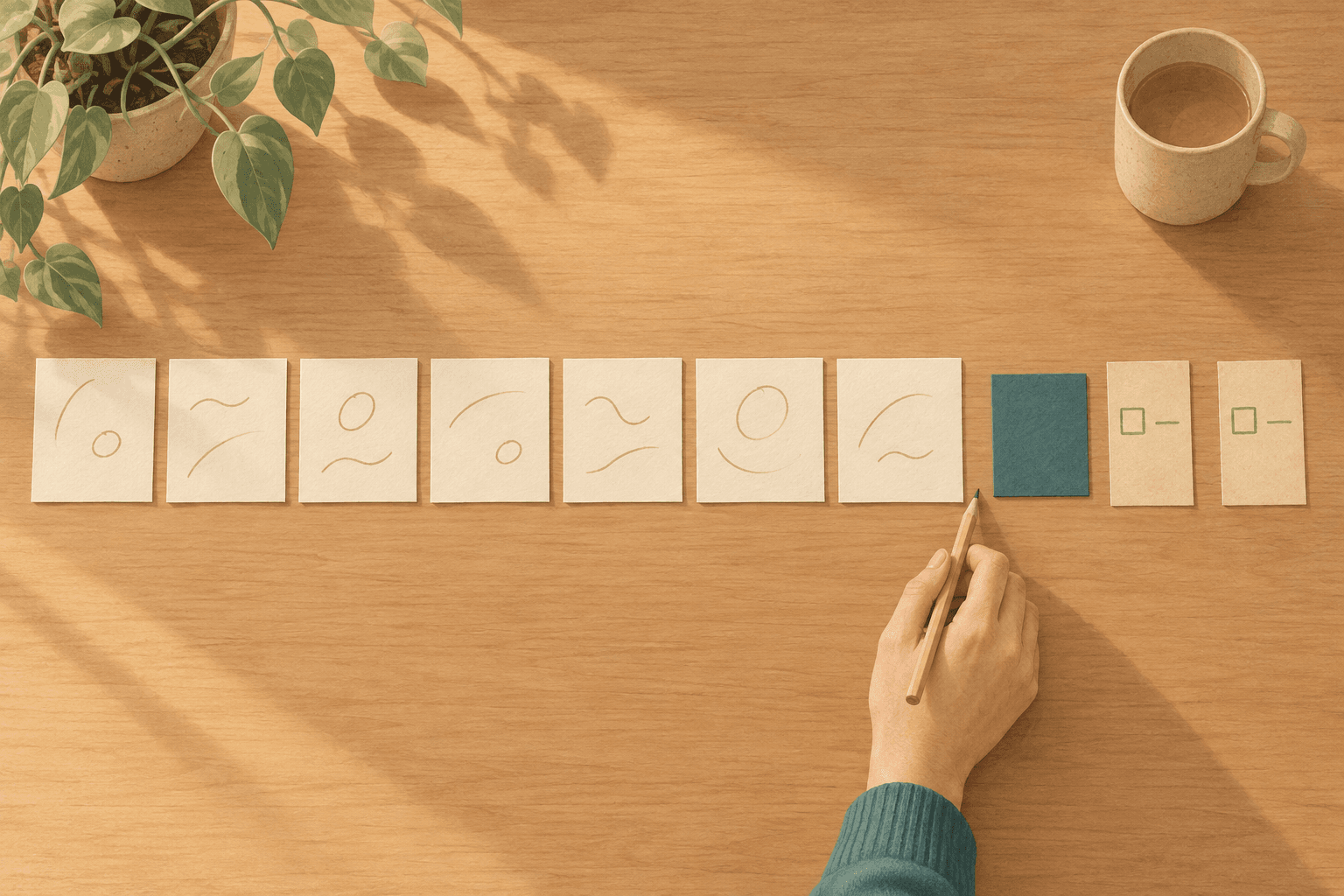
The card is face-down. Friday is still circled.
When setting aside goes wrong
Setting work aside fails in two directions, and they arrive as opposite complaints. In the first, the thing you hid surfaces again after the date that mattered has already gone by: the return was set for when you'd have attention for it, and nothing ever checked that choice against the deadline the task was still carrying. In the second, you hide something and the reminders keep arriving anyway, which reads as the app refusing to listen.
Both are the same failure. The gesture said nothing about what it was doing to the date, so you filled in the answer yourself — and with nothing on screen to check it against, you filled in the one that matched what you wanted.
The sharper version shows up with anything that repeats. A weekly invoice run isn't due Friday because someone asked for it on Friday; Friday is just where the series sits this week. If the gesture's way of quieting a row is to take the date off, the series loses its anchor — the date the series counts forward from — and re-anchors to the day you cleared it, so the next occurrence lands somewhere else. The tidy-up didn't remove one line from this week, it shifted every week after it.
Which is why the kind of date matters before the gesture does. Not every date on a task is the same sort of object — some are promises made to someone, some were invented by the list itself, and the invoice run's Friday is neither: a position in a series. Which sort you're holding decides what removing it actually costs.
Attention and commitment are different
Hiding is an attention operation. A deadline is a commitment operation. Performing the first tells you nothing about whether the second has happened.
Attention is wholly yours. What you look at this week, and in what order, is a decision with no other party to it — you can revise it at four in the afternoon, twice, and nobody needs to be told. A deadline is a different kind of object. It exists because something outside the task depends on that date: a person waiting on it, a window that closes, a booking that costs more on Saturday. You are allowed to change it. Changing it is a message, not a preference.
Both decisions get made in the same instant, whether or not you make them. What brings the task back is the attention one. Whether the date is still in force is the commitment one — and so is whether it still reminds you, because a reminder is how a commitment reaches your attention. Silencing it feels like an attention choice and lands as a commitment one, and that is where most of the trouble comes from.
The return is the question the interface actually asks. Snooze until when, hide until when — that's a field, and you type into it. The commitment side gets inferred from the gesture — and a card dragged across a screen is thin evidence for a conclusion about a commitment. So the app guesses.
Whichever way it guesses, it will be right for some people and silently wrong for the rest. Those are the two complaints from earlier seen from the other side: guess that setting aside means the date has stopped mattering, and the work comes back after it has passed; guess that it doesn't, and the reminders keep coming.
Say which one you are doing
Saying which of the two decisions you're making — out loud, in words — is most of the fix, and it works on paper as well as it works in software. Two sentences cover the pair, and they are not interchangeable.
I don't want to see this until Tuesday. — that one is yours alone.
This is no longer due Friday. — that one usually has someone on the other end.
The first needs no announcement and no negotiation. The second is a small piece of outward work, and it stays outward whatever your app does: someone finds out on Friday either way, and the only real variable is whether they hear it from you before then. Consider someone who moves a client review out of this week on Tuesday afternoon, tells no one because the row disappeared and the week felt lighter, and spends Friday morning explaining a decision that was actually made three days earlier.
If one gesture in your system does both jobs, split the date decision out of it — a second gesture, or a question the first one has to stop and ask. On paper that's two marks instead of one — a line through the row for not this week, a rewritten date for not Friday — and the second mark is the one that reminds you a message is owed. Separating them costs a few seconds; not separating them costs the conversation you didn't know you needed to have.
Some dates are exempt from the second sentence altogether. Nobody is waiting on the invoice run's Friday in particular — the work is owed, but the date marks a position in a series, not a promise — so there is nothing to announce, and clearing it slides the whole series rather than releasing you from anything. An operation that is harmless on one row can be the wrong operation entirely on another.
Then there's the date inside that first sentence. A date picked today for come back Tuesday is a guess about a version of you who doesn't exist yet, and Tuesday arrives whether or not you have the attention the date assumed. What you can check is the state you're in when you look. So bringing something back works better as a decision made against that state than as an appointment made in advance.
"But I hide things to stop the reminders"
Wanting the reminders to stop is legitimate and frequently correct. Stopping them is also a different act from removing the deadline.
The legitimate part deserves its due. A reminder about something you parked this morning teaches you the badge isn't worth opening — and it's the same badge that would have carried Friday.
The claim isn't that reminders should be unstoppable. It's that silence should be something you chose.
Switching off a reminder and removing a deadline come apart late. On the day they produce an identical experience — nothing arrives — and a week later, two completely different situations. Silencing leaves the date sitting there for you to go and look at. Clearing leaves nothing to look at, and an absence is indistinguishable from having dealt with it.
So the commitment sentence has a quieter form — one that changes what the deadline says without changing what it requires:
Stop telling me about this. Friday stands.
That is the narrow instruction: when what you want is quiet, change the reminder, not the date. Change the reminder and Friday still stands. Change the date and there is nothing left to stand.
How Canvas Tasks handles this
This is where Canvas Tasks comes in. Sending a task that carries a deadline to incubating — the shelf that holds work you've taken out of rotation — opens a short question with the date in it: Keep deadline, Keep deadline, mute reminders, or Remove deadline. Tasks without a deadline never raise the question.
The three options are those sentences, made into controls. Remove deadline is This is no longer due Friday. Keep deadline is declining to say it — the default the question opens on, which lets the reminders go on arriving. The middle one is the quieter form: it stops this task's deadline reminders and leaves the date where it is.
The badge that stops being worth opening is answered by the middle option, not by the default. And the default is right — not because silence is dangerous, but because silence you didn't choose is. A shelf that quiets commitments while tidying tells you nothing at the time, and what you notice on Friday is that nothing ever told you.
Neither of the two decisions is inherited from the gesture any more. The date is one you looked at and kept; silence, when you want it, is something you asked for by name. Mute deadline reminders also sits on the task itself, so quiet never requires shelving anything. Muting is per task, so quieting this one says nothing about the next. The shelf asks for no return date at all — the one question most tools do ask is the one worth leaving to the state you're in when you next look.
Repeating tasks are offered fewer options, not more. Remove deadline doesn't appear for them at all — that date anchors the series. The restriction is the whole point: two rows that look the same in a list are not the same object, and the menu is where that difference has to show up.
For what's genuinely due while things sit on the shelf — muted tasks included — Check deadlines lists only the tasks that carry one, grouped into Overdue, Today, and Coming up. Muted tasks are listed here too, with the mute marked on the row: what you switched off was the interruption, not the date. Knowing what you owe is not a premium feature, so the screen is on the free plan.
There's no bulk action and no warning colour on this screen. Overdue items are stated as fact — how many days past, not how late you are — and handled one at a time: a single control that clears the list is a way of not reading it, and a screen you chose to open doesn't have to shout.
Removing a deadline is reversible — Undo appears immediately afterwards — though what comes back is the date, not the move.
What makes a shelf worth returning to is a different design problem from what makes a date worth keeping.
None of this makes Friday easier. It makes Friday knowable on Tuesday, which is the part software can actually help with.
Frequently asked questions
Does every task need a deadline?
No — most don't. A deadline is for work whose date matters to something outside the task itself, and inventing one for everything else just manufactures a way to be late. Tasks without a deadline can be set aside freely: there is no second decision hiding inside the gesture, because there is nothing to resolve.
What about something blocked on someone else?
The date it carries is still yours to hold, because being blocked doesn't move what you promised further downstream. Setting it aside is fair enough — you can't act on it today — but the deadline should keep reminding somebody, and when that somebody can only be you, the reminder is what turns a silent block into a chase.
What should I do with things I keep setting aside?
Repeatedly deferring the same item is information: the work isn't ready, or it isn't yours, or it has quietly stopped mattering. Rather than deferring it a fifth time, give it somewhere to sit on purpose — a shelf you visit deliberately rather than a hiding place.
What if I don't know yet whether the date still stands?
Then leave it in place and note the doubt somewhere you'll see it. An unverified date is better information than no date, because it keeps the question alive. What causes trouble is resolving the uncertainty by clearing the field, since an empty date reads afterwards as a decision someone made rather than one nobody reached.
What about the ones where the date has already gone by?
For a date that has already passed, ask first whether the commitment behind it is still real — some dates lapse quietly and nobody is waiting on them — and only then decide whether the task should be in front of you. Taking the dead dates off the list is what makes the live ones legible again.